Sum of the three illustrative branches.
NETWORK · BANK BRANCHES
Every branch counts. One view for the whole network.
From the bank’s headquarters, consolidate the network’s energy, water and technical events by building on the limited local supervision systems already present in the branches.
Explore the needs ↓
01FOLLOW THE RHYTHMS OF THE BRANCH
A comfortable welcome, schedules under control.
The needs of the customer area, the advisory offices and the plant rooms change in different ways. Scenarios specific to each branch organize how they run.
- Preparation before opening and switch to reduced mode after closing
- Zoned lighting, dimming and natural light if compatible
- Air conditioning and ventilation adapted to schedules and ambient conditions
- Occupancy and timed override for cleaning or extended work
- Temperature, CO₂ and humidity at the points actually equipped
Use case A team stays after closing: its zone keeps the planned comfort, while the customer areas switch to reduced mode. The identified permanent services remain available.
Comfort and air quality ↗︎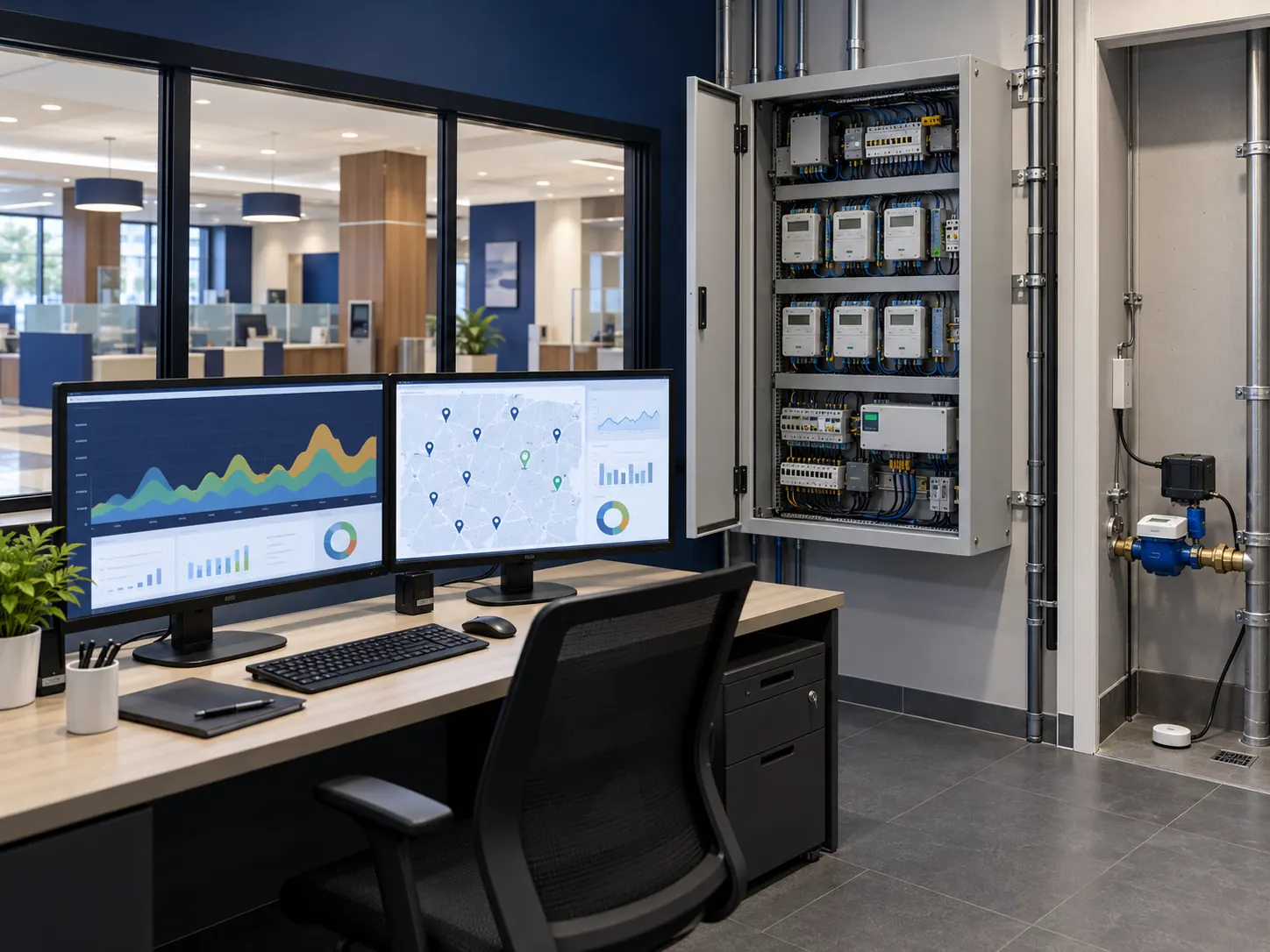
02CENTRALIZE AT HEADQUARTERS, KEEP LOCAL CONTROL
At headquarters, a view of the whole network.
Each branch already has a local supervision system with a limited scope. The central system at the bank’s headquarters gathers their useful information: consumption, statuses, ambient measurements and technical events, depending on the accessible interfaces.
- Integration of existing branch systems and survey of available points
- Consolidated view at headquarters: network, region, branch, zone and equipment
- Last update and communication status per branch
- History and energy comparison over a common period
- Alarms for leaks, HVAC faults, ambient exceedances or loss of link
- Commands limited to the scope and rights of each role
- Common calendars and local exceptions, depending on the architecture selected
Operating example At headquarters, central supervision spots a branch consuming at night. The team checks sub-metering and schedules, verifies the cause, then tracks the effect of the adjustment over comparable periods.
Supervision and technical operation ↗︎MULTI-SITE ENERGY METERING
See where the network consumes.
Start with measurements that are properly labeled and synchronized. Compare branches taking into account their floor area, opening hours, activity and climate conditions.
Scopes fitted with a meter.
Events of the test scenario.
| Branch | Mode | Energy | Power | Water | Reception CO₂ | Water / valve |
|---|---|---|---|---|---|---|
| Branch A · Lac | ||||||
| Branch B · Center | ||||||
| Branch C · South |
From the main meter to the uses.
Branch meter and sub-metering of HVAC, lighting or outlets, depending on the circuits present. Power in kW and cumulative energy in kWh remain distinct. Totals must not add a parent meter and its sub-meters together.
Explicit thresholds.
Daily or monthly target, nighttime baseload and prolonged power: define value, duration, period and recipient. An alert describes a deviation; how it is handled depends on the analysis of the site.
Comparisons you can use.
Load curves, history, exports and indicators by floor area or opening hours, depending on the solution. Missing data is flagged; a site that is not communicating is not consuming “zero”.
COMPLETE TECHNICAL MANAGEMENT
Energy, water, comfort and continuity of operation.
Compare comparable branches.
Track daily, monthly and annual energy by branch, region and network. Identify power demand, the baseload outside opening hours and HVAC, lighting and outlet uses on the metered feeders.
Define kWh/m² or kWh/opening-hour indicators, with verified floor areas, calendars and metering coverage. Separate measurements, estimates and costs calculated from the tariffs entered.
The right comfort, at the right hours.
Schedule pre-comfort, opening to the public, cleaning and closing. Separate reception, advisory offices, meeting rooms and plant rooms; manage timed local overrides.
Detect prolonged running, a lasting gap between measurement and setpoint or an available fault. IT rooms keep their own needs and priorities.
Monitor reception conditions.
Show CO₂, humidity and temperature for each equipped zone; flag a timed exceedance and stale data. Adapt ventilation only if the installation allows it.
CO₂ does not describe overall air quality by itself. Thresholds are defined according to the uses and the project; particles and VOCs require dedicated sensors.
Locate before shutting off.
Meter the water in washrooms and service areas, detect a persistent flow and report leak sensors. Distinguish excess consumption from confirmed presence of water.
A sector or general shut-off is planned with the operator. The valve position must be confirmed by an available feedback; acknowledging an alarm does not automatically reopen the network.
Welcome, work, close.
Define scenes for the reception, advisory areas, circulation areas and shop windows. Combine schedules, presence and natural light where the sensors and circuits allow it.
Keep the identified permanent circuits and services. Technical occupancy data is used to control the uses, without individually tracking employees or customers.
Usable information at the right level.
Classify events by branch, equipment, priority and duration. Show value, timestamp, last reading and handling status to make intervention easier.
Distinguish active, acknowledged and resolved alarms; detect communication faults. Bank security and fire safety systems keep their dedicated functions.
HEADQUARTERS, BRANCHES AND MAINTENANCE
Clear responsibilities at each level.
The bank’s headquarters.
The technical department operates the central supervision system: view of all branches, multi-site energy consolidation, event history and common calendars. Remote commands and group actions follow the rights, priorities and validations defined by the bank.
All branchesviewcontrolCommon calendarsedit
The branch’s local supervision.
The system already in place keeps its limited scope: viewing the site’s statuses, authorized local commands and alarm reporting. The branch has access to its own information; the consolidated view of the network belongs to headquarters.
Its branchviewcontrolLocal alarmsacknowledge
Maintenance teams.
Access the statuses, history and alarms within their scope. Distinguish command sent, feedback confirmed, acknowledgment and return to service.
Their scopeviewAlarmsacknowledgeReturn to servicecontrol
Connectivity, network segmentation, remote access, logging, hosting and data retention are defined with the bank’s IT teams. Integration starts with an inventory of the existing local supervision systems: exposed points, interfaces, versions, licenses and control possibilities. The priority rules between headquarters and branch, status feedback, local continuity and behavior if the link is lost are validated with the bank. KNX, BACnet, Modbus or DALI gateways depend on the references, interfaces and licenses selected.
PRODUCTION · CONSUMPTION · SMART MANAGEMENT
Producing is not enough to keep consumption under control.
One view at headquarters, needs and automation specific to each branch.
Without suitable metering and control, unnecessary consumption or power peaks can persist, even with local production.
PRODUCE & MEASURE
Measure the actual balance.
Compare each site’s consumption and any production over consistent periods and scopes; flag missing data.
Solar / week35%Self-consumed83%Exported17%
Metering, production and exchanges USE BETTER
Adjust the uses.
Define schedules and setpoints per branch; examine consumption outside opening hours before any command.
Branch closedReduced comfortSolar surplusLoads shiftedPower peakLoad shedding allowed
Optimize according to priorities SUPERVISE
Supervise and verify.
The BMS brings together the accessible balances, flags drifts and coordinates the authorized commands. Local automation and dedicated protections keep their role.
Nighttime consumptiondrift reportedAuthorized commandconfirmed
BMS supervision Bank branches example. Headquarters spots unusual nighttime consumption, checks the history and requests a local check. Permanent equipment and the limits of the existing supervision system are still taken into account.
Local production and storage only if present or planned. Functions depend on the sensors, metering and interfaces available; results to be checked over comparable periods, with no guaranteed savings.
FROM A PILOT BRANCH TO THE NETWORK
Our approach, step by step.
- 01SurveyWith you
Existing supervision systems per branch, metering, HVAC and links with headquarters.
- 02Design3I-DS
Local and central scope, common naming, indicators, thresholds and rights.
- 03Supply3I-DS
Branch controllers, meters, sensors and gateways.
- 04Programming3I-DS
Branch template, headquarters views, alarms and multi-site reports.
- 05Pilot branch3I-DS + you
Measurements, commands, alarms and loss of link validated on one branch.
- 06Roll-out3I-DS + you
Branches equipped in phases, acceptance per branch, training and follow-up.
What you receive
- Typical branch template
- Points list per branch
- Pilot branch validated
- Test report
- Headquarters view configured
- Roll-out file
- Team training
Frequently asked questions
Your questions,
our answers.
Is your question not listed here? Our team will answer and guide you to the right solution.
commercial@3i-ds.comWho carries out the work?
3I-DS designs the solution, supplies the control equipment, programs it, commissions it and provides follow-up. Depending on the project, we can also install this equipment — screens, sensors, gateways — and take charge of the wiring; otherwise, the site’s installers (electrician, refrigeration technician, plumber) carry it out from our drawings, and we coordinate the tests with them.
Does the existing local supervision system have to be replaced?
The project builds on the systems already present in the branches. Keeping them and integrating them into the central supervision system at headquarters depends on the accessible points, protocols, versions and rights available. The necessary adaptations are identified during the study, branch by branch.
What does a branch see and what does headquarters see?
The branch has a local view limited to its own site and the authorized functions. Headquarters has a consolidated view of the whole network and of the details accessible for each branch. Local and remote commands follow a matrix of rights and priorities defined with the bank.
Can the branches be equipped gradually?
Yes, depending on the networks and equipment available. The pilot validates the data model and the scenarios before adapting them to the other types of site.
Does closing switch off all the equipment?
The scenario applies to the authorized circuits. Permanent needs, particularly technical and IT, are identified with the bank. The demo keeps an illustrative background power level.
Does a leak always lead to a general shut-off?
No. Detection, the sector concerned, the priority and the authorized action are defined during the study. The demo illustrates a sector shut-off after detection and alert; return to service requires an explicit reset.
Does the dashboard control real branches?
The dashboard illustrates the view of the central supervision system at headquarters. The three sites, their measurements and their commands are entirely illustrative. It shows an example of operation and is not a client reference.
How does the data reach headquarters?
Through the institution’s network, according to the rules validated with the IT department: data flows, accounts and rights are defined before roll-out.
Can branches be compared with one another?
Yes. A common model of points and indicators makes it possible to compare consumption, schedules and alarms from one branch to another.
FROM NEEDS TO SOLUTIONS
The solutions suited to this sector.
Organize the central supervision at headquarters and the local functions of each branch, depending on the interfaces available.
BMS
Supervision, alarms and coordination of the technical systems.
Energy metering
Consumption, photovoltaic production and exchanges according to the metering plan.
Comfort & air quality
Heating, ventilation, air conditioning and air measurements at the equipped points.
Smart lighting
Presence, dimming, scenes and solar shading, depending on the equipment.
Water & leak detection
Flows, volumes, alerts and authorized shut-offs; monitoring of water uses.
Energy optimization
Schedules, priorities, flexible loads and vehicle charging.
Functions are defined during the study: equipment, interfaces, control rights and local priorities must be checked. These links do not imply universal compatibility.
YOUR NETWORK, ITS BRANCHES AND ITS PRIORITIES