Work and meet.
Workstations, meeting rooms and circulation areas, with local controls and daylight management.
- Desk work100% · 500 lux
- Meeting, presentation30%
- Circulation when unoccupied20%
04 · LIGHT
Control, dim and coordinate lighting to follow activity, presence and natural light.
Explore the solutions ↓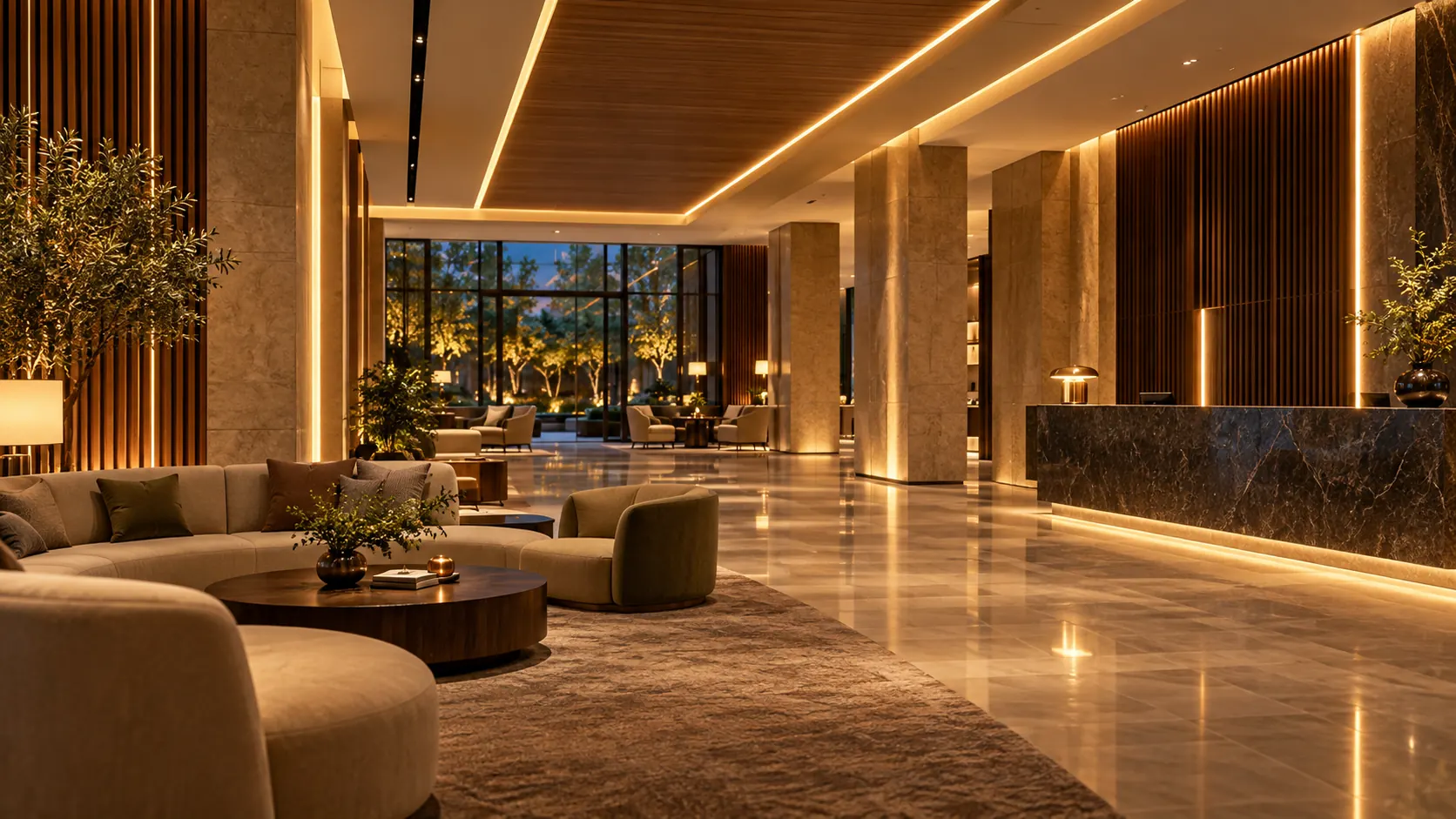
VISUAL COMFORT AND EASE OF USE
Smart lighting organizes luminaires by zone and by function. It combines local controls, scenes and, where planned, presence and light-level information.
The settings in the demo illustrate possible scenes. Dimming and color temperature changes require compatible luminaires and drivers; their values are defined for each space.
01CONTROL IN THE RIGHT PLACE
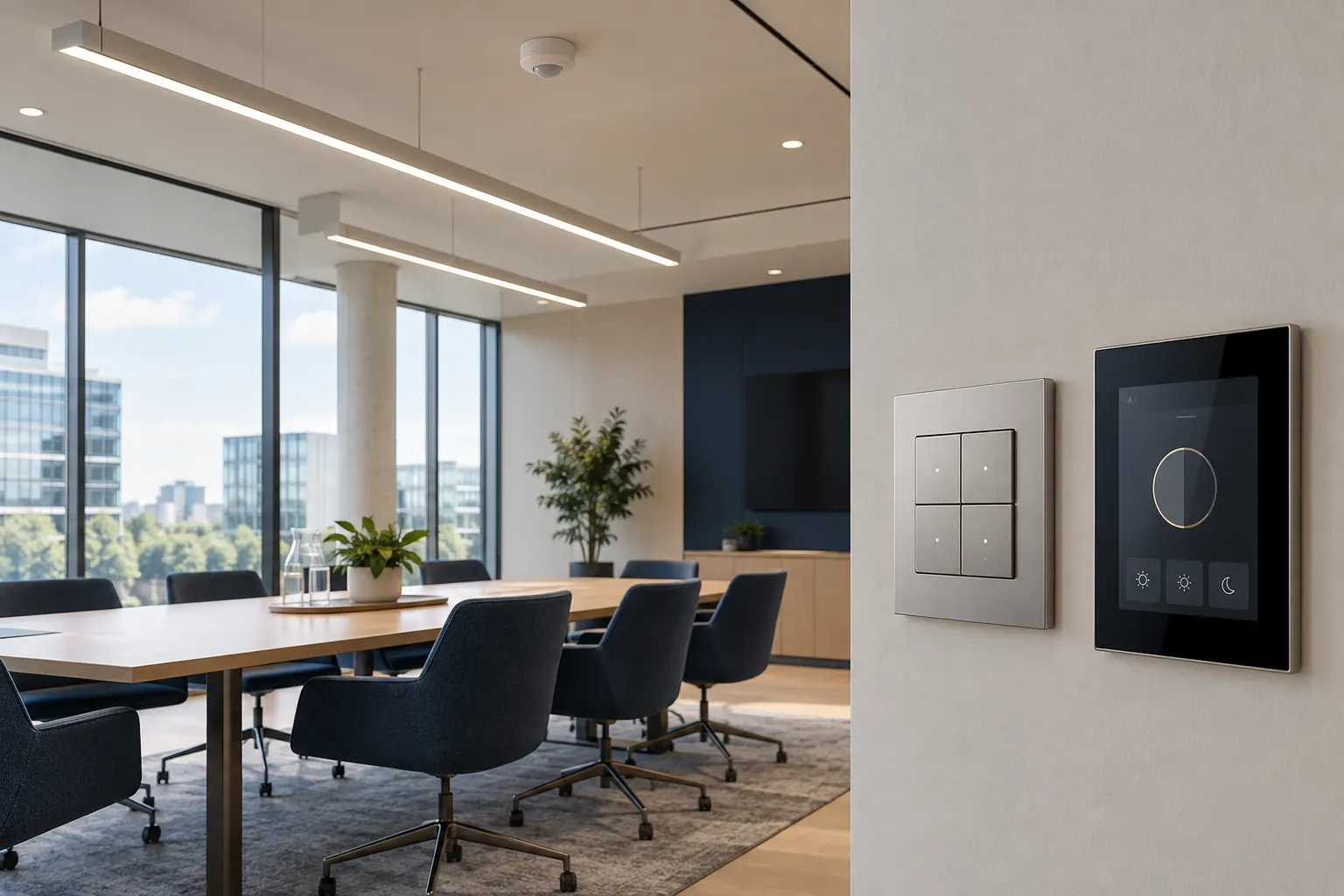
Luminaires are grouped by use: reception, circulation, workstations, meeting rooms or accent lighting.
Use case In a meeting room, one button recalls the “Presentation” scene: lighting near the screen dims and the other zones keep the planned level.
Discuss this need ↗︎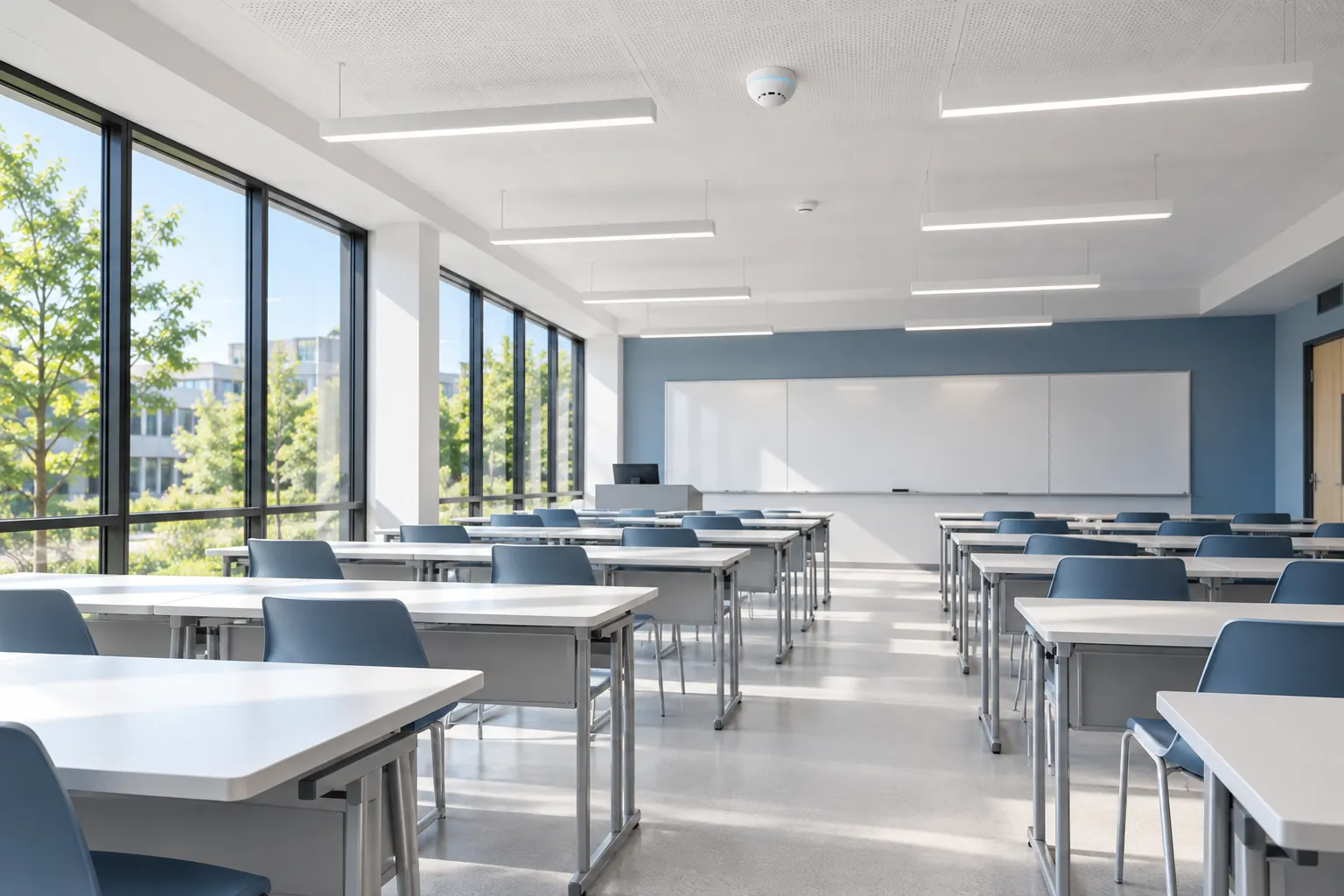
02REACT TO ACTUAL CONDITIONS
Sensors adjust artificial light to actual occupancy and to daylight.
Use case The row of luminaires on the window side dims when daylight provides enough light, while the interior zone follows its own regulation.
Discuss this need ↗︎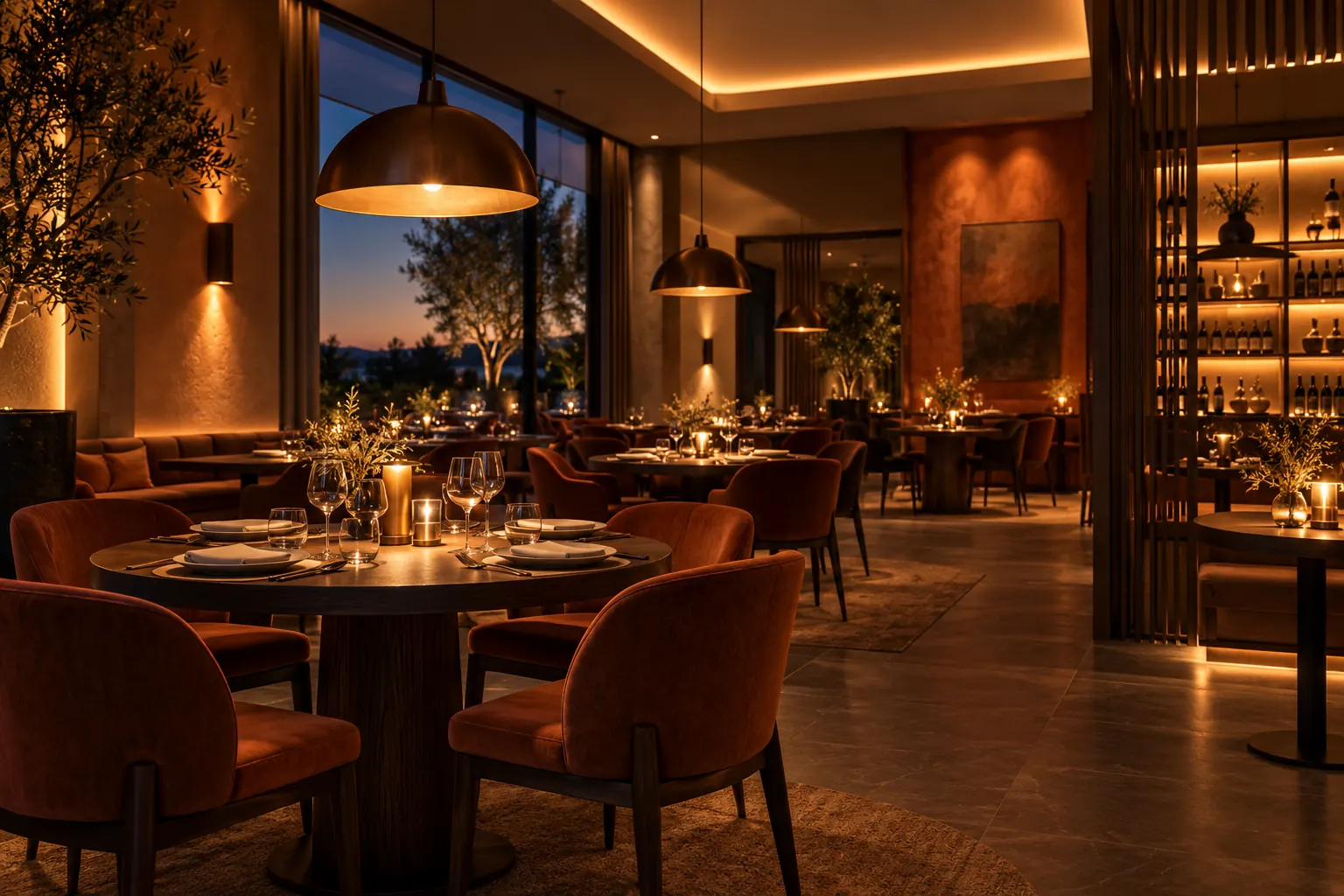
03FOLLOW EVERY MOMENT
A single command recalls a combination of light levels, consistent across all circuits.
Color temperature Warm or neutral white is set in kelvins, independently of intensity. It requires luminaires and drivers designed for it: DALI DT8 (Tc).
Discuss this need ↗︎04 / CONNECT CONTROLS AND LUMINAIRES
Controls and sensors communicate over KNX, luminaires over DALI. A gateway links the two to control lighting zone by zone and report its status to the supervision system.
DALI also reports lamp or driver faults, useful for maintenance; driver compatibility is checked before integration.
Review my lighting architecture ↗︎DIFFERENT USES, SUITABLE SCENES
Workstations, meeting rooms and circulation areas, with local controls and daylight management.
Scenes for reception, lounges and rooms, with simple controls for the guest.
Shop windows, sales areas and stockrooms controlled according to opening hours.
Arrival, meal, reading and leaving scenes, from the buttons or the phone.
Levels given as examples, as a percentage of maximum lighting; they are set scene by scene during testing.
READING THE INDICATORS CORRECTLY
The dimming setting. A 50% level does not mean 50% of power consumed.
The light received on a surface, measured where it is useful: the work surface.
The warm or cool appearance of white: 2,700 K warm, 4,000 K neutral.
Metering data over a defined period, distinct from intensity and illuminance.
FROM SURVEY TO SETTINGS
Luminaires, drivers, circuits, controls and wiring in place.
Zones, groups, scenes, time delays and control priorities.
DALI gateways, actuators, detectors, push buttons and screens.
DALI addressing, groups, scenes, schedules and light regulation.
Levels, transitions and sensors set on site, with the users.
Training, settings file and adjustments after the first weeks of use.
Frequently asked questions
Is your question not listed here? Our team will answer and guide you to the right solution.
commercial@3i-ds.comThe luminaires are installed by the electrical contractor. Depending on the project, 3I-DS can install the control equipment and take charge of its wiring. In all cases, 3I-DS designs the solution, supplies the control equipment, carries out the addressing and programming, then sets the scenes on site.
Yes, for on / off control. Dimming requires dimmable drivers (DALI or 1-10 V); the survey shows which ones need to be replaced.
No. It requires luminaires with two white channels and DALI DT8 drivers: this is a choice to make when the equipment is ordered.
With presence detectors suited to the activity, sufficient time delays and a gradual dim-down before switch-off.
Yes, with DALI: compatible drivers report a lamp or power supply fault, which is sent to the supervision system.
DALI for dimming and luminaire-by-luminaire monitoring, KNX for the building’s controls and scenes. The choice depends on the luminaires and the level of detail required.
Yes, with light sensors: luminaires near the windows dim automatically when natural light is sufficient, while keeping the planned illuminance level.
Yes. Scenes, schedules and time delays are settings: they are adjusted after a few weeks of use, without touching the wiring.
FROM NEEDS TO SOLUTIONS
Find the operating needs that the Smart lighting solution can address, depending on the project scope.
Rooms, common areas and technical services controlled according to occupancy.
Office floors, meeting rooms and occupancy schedules, with consumption monitoring.
Multi-site branches: schedules, technical alarms and remote supervision.
Villas and residences: comfort, scenes and everyday technical safety.
Classrooms, lecture halls and campuses: schedules, presence and user comfort.
Functions are defined during the study: equipment, interfaces, control rights and local priorities must be checked. These links do not imply universal compatibility.
YOUR SPACES, YOUR AMBIANCES