HOSPITALITY · COMFORT & OPERATION

A sense of hospitality. A building under control.

From guest rooms to plant rooms, coordinate the equipment around your guests’ stay and your teams’ work.

Explore the needs ↓
ROOM 203
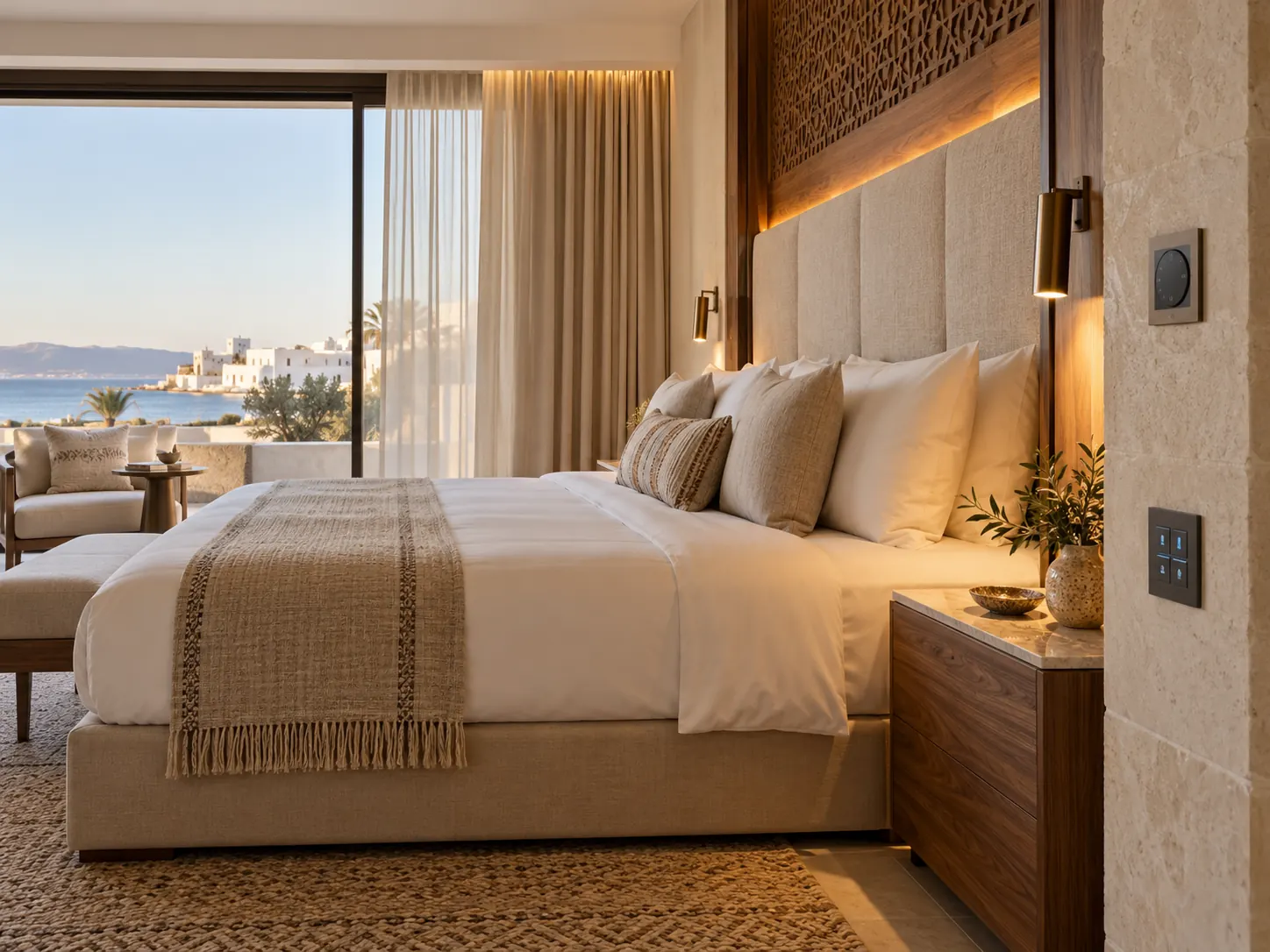
Illustrated hotel room with bedside controls, regulation and curtains

01MAKE THE GUEST’S LIFE EASIER

An intuitive room, from the first touch to check-out.

Plan simple controls for lighting, curtains and thermal comfort. Scenes are defined with the operator to support the uses without constraining them.

  • Welcome, reading and night ambiances, and switch-off of the planned circuits
  • Local temperature and ventilation control, depending on the equipment
  • Motorized curtains or blinds, if installed
  • Door/window contacts and occupancy statuses usable depending on the solution

Use case A bedside button recalls the “Night” scene and dims the ambient lighting, without interrupting the power supplies or functions that must remain available.

No movement is not enough to confirm that a guest is absent. Occupancy rules, time delays, overrides and priorities are validated before commissioning.

See KNX controls and scenes ↗︎
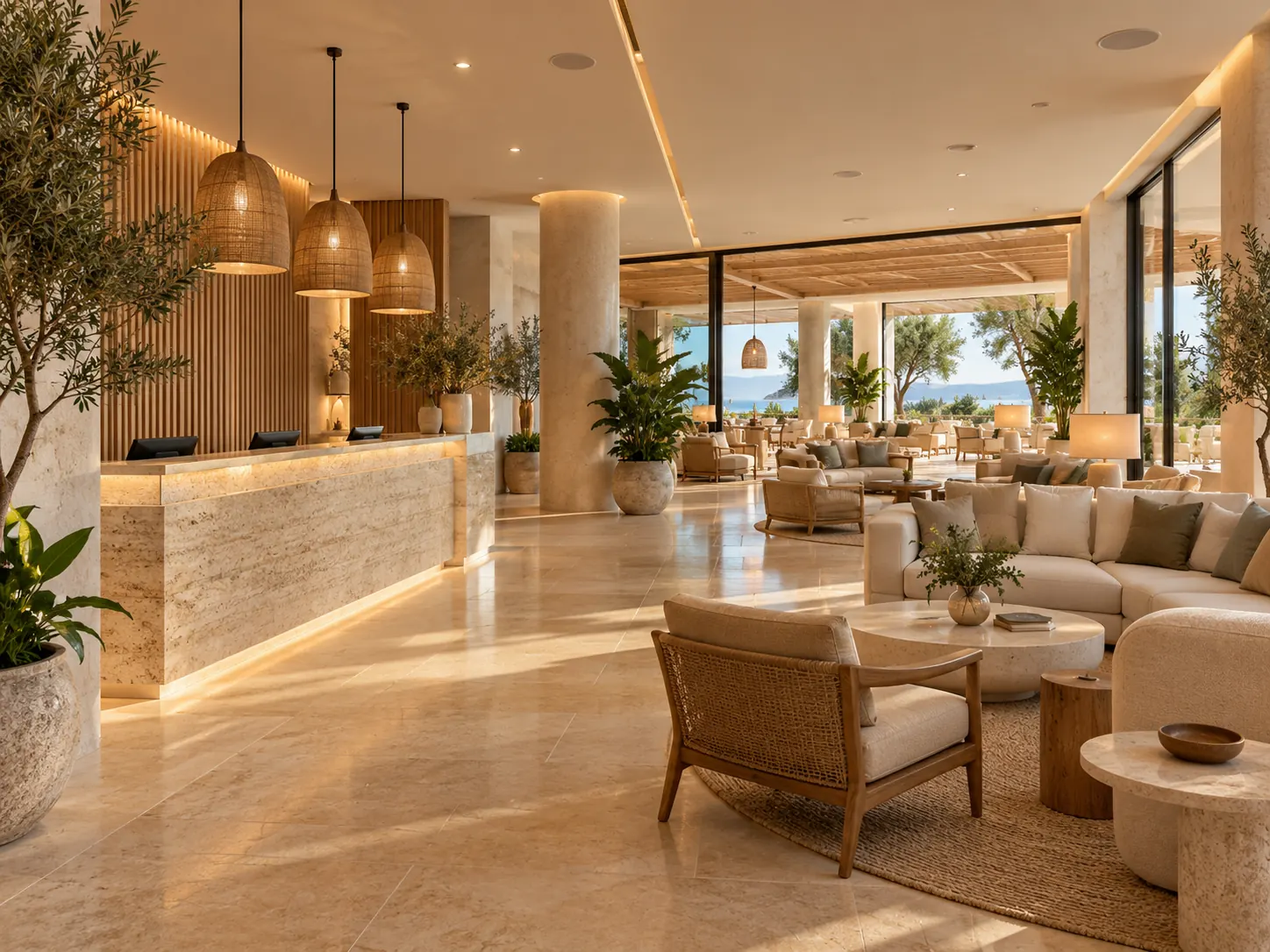
Illustrated hotel lobby with reception, lounge and zoned lighting

02FOLLOW THE RHYTHMS OF THE HOTEL

An ambiance suited to each space.

Differentiate the needs of the reception, circulation areas, restaurants and meeting rooms: schedules, presence, natural light and footfall are not the same.

  • Lighting scenes according to the time and the activity
  • Zone-by-zone HVAC regulation and indoor air monitoring at the measured points
  • Management of solar shading and compatible equipment
  • Background audio per space, groups and quiet periods

Use case The restaurant recalls a “Dinner” ambiance; the reception keeps its working light and the terrace music follows the authorized hours.

Explore smart lighting ↗︎Explore multiroom audio ↗︎
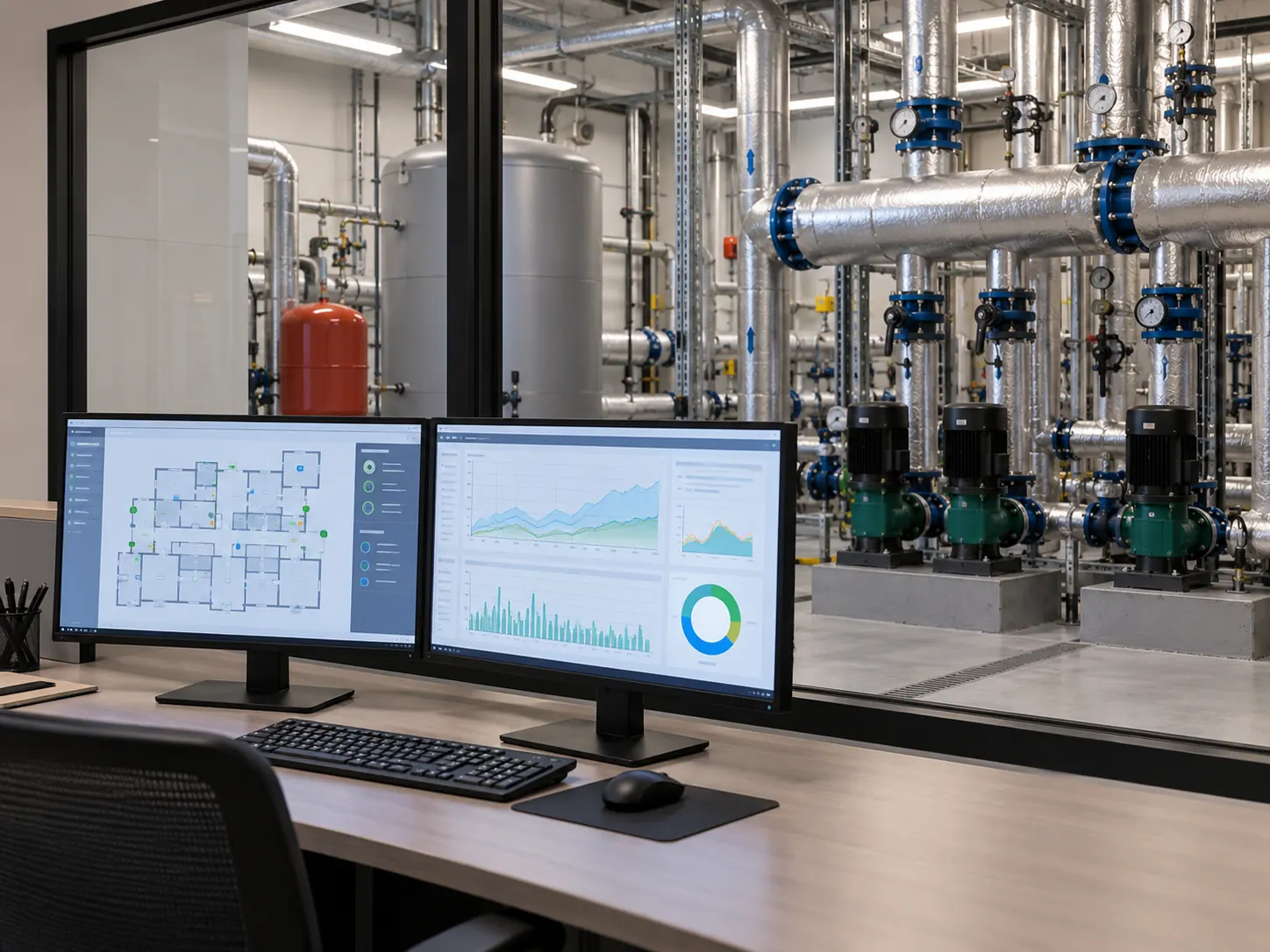
Illustration of a hotel technical operations workstation and an equipment room

03GIVE THE TEAMS REFERENCE POINTS

Understand the uses and locate the deviations.

Organize supervision to distinguish what is working, what is consuming and what requires intervention, based on the measurements and statuses actually available.

  • Electrical monitoring overall and per metered feeder
  • Cold and hot water metering, and temperatures if measured
  • Alerts for exceedance, localized leak and technical fault
  • Views by building, floor, zone or equipment, depending on the architecture
  • History, acknowledgment and feedback information accessible

Use case A leak sensor identifies a room. The team receives the alert, and a sector shut-off is commanded only if it is part of the authorized scenario.

Closing a water network and absence strategies require validation by the operator. Overconsumption is not, by itself, a confirmed leak.

See BMS and supervision ↗︎

FROM THE BUILDING TO EACH METERED ROOM

Water, energy and air quality: monitoring as close as possible to the uses.

Link each measurement point to its building, floor and room to understand consumption and track ambient conditions. The information is available only if the networks and equipment are metered.

ENERGY · kWh / kW

Identify what the room consumes.

Track cumulative electrical energy in kWh and power in kW on a dedicated feeder or sub-meter. Distinguish the metered uses: lighting, outlets or air conditioning if their circuits are separate.

  • Daily, monthly and historical consumption per room
  • Comparison with relevant periods and occupancy conditions
  • Technical alert on consumption drift or prolonged demand
  • Comparison with floor and building consumption

Centralized HVAC production is not automatically measured by the room’s electricity meter. An allocation or a thermal measurement requires a dedicated architecture and an explicit method.

See energy metering ↗︎
WATER · m³ / L/min / °C

Distinguish cold water and hot water.

Plan separate meters when cold / hot water monitoring per room is required. Volume consumed, instantaneous flow and water temperature remain different pieces of information.

  • Cold and hot water volumes per room and per period
  • Persistent flow, unusual flow or target exceeded
  • Temperatures at points fitted with suitable sensors
  • Leak sensor identified and sector shut-off only if authorized

Without dedicated metering, a floor’s consumption cannot be presented as the exact measurement of each room. An exceeded volume is not confirmation of a leak.

See water monitoring and alarms ↗︎
INDOOR AIR · ppm / % RH / °C

Monitor the ambient conditions, qualify the deviations.

Report CO₂, relative humidity and room temperature from the sensors present. Other parameters, such as particles or VOCs, require their own sensors and units.

  • Measurement history per room or equipped zone
  • Thresholds and time delays suited to the uses and the project
  • Alert on exceedance or sensor fault
  • Ventilation adapted if the regulation and equipment allow it

CO₂ does not, by itself, describe overall air quality. A temperature display or an “Occupied” scene does not replace an indoor air measurement.

See comfort and air quality ↗︎

A VIEW THAT IS USEFUL TO THE OPERATOR

One sheet per room, views per floor.

Show the period, the time of the last reading, the measurements, the active thresholds and the alarms of the point concerned. Distinguish actual data, estimates and unavailable information.

  • Room → floor → building: clearly identified scopes
  • Configurable volume, energy, temperature or ambient thresholds
  • Time-stamped alert with the location and the value that caused the exceedance
  • Acknowledgment distinct from resolution and return to service

Operating example The water consumption of room 203 deviates from its usual level: a technical alert is created. If a sensor then detects water on the floor, it triggers a separate leak alarm and the planned shut-off. A CO₂ exceedance opens another event, with a check or an adjustment of the ventilation according to the validated rules.

Sensor installation and calibration, calculation periods, thresholds and access rights are defined during the study. Occupancy data must not be used as proof of an individual’s presence. An operational measurement does not automatically constitute a billing system.

ROOM, RECEPTION AND TECHNICAL SERVICES

Share the useful information, without mixing everything.

The reservation, the detected occupancy and the room’s technical mode are different pieces of information. Coordinating them depends on the software, gateways and equipment actually selected.

GUEST

Controls that are easy to understand.

Local controls for ambiance, comfort and curtains, with adjustment options suited to the stay.

Ambiance3 scenesComfort21 – 24 °CCurtainsopen / close
RECEPTION & HOUSEKEEPING

Views suited to each job.

Statuses and service requests such as “Do not disturb” or “Make up room”, only if the corresponding devices and link are planned.

Rm 214Do not disturbRm 215Make up roomRm 216vacant · reduced mode
MAINTENANCE

Qualified events.

Point name, location, timestamp and priority: prepare the intervention without unnecessarily exposing occupants’ data.

10:42Rm 312 · A/C · faultPriority 210:55Corridor 3 · lightingRepaired

A PMS / GRMS link, with the hotel management software or the guest room management system, is subject to a study: protocols, licenses, access rights, responsibility for commands and behavior if the link is lost. No universal compatibility is assumed.

KEEP THE RIGHT PRIORITIES

A hotel must remain easy to live in and to operate.

Comfort & continuity.

Identify the circuits and services to maintain. Dedicated safety equipment keeps its own functions and scope.

Cold roomsmaintainedIT networkmaintainedFire safetyown scope

Verifiable actions.

Distinguish a command sent from a confirmed feedback. Flag lost links or unavailable data without displaying them as zero values.

14:05Rm 108 · setpoint 22 °CConfirmed14:06Rm 109 · linkUnavailable

Results tracked.

Establish a baseline, then compare relevant periods and occupancy rates. No savings percentage is guaranteed without an analysis of the site.

March 202518.4 kWhMarch 202616.9 kWhPer room night · comparable occupancy rates

PRODUCTION · CONSUMPTION · SMART MANAGEMENT

Producing is not enough to keep consumption under control.

Rooms, kitchen, hot water, pool: link energy to the hotel’s actual uses.

Without suitable metering and control, unnecessary consumption or power peaks can persist, even with local production.

01

PRODUCE & MEASURE

Measure the actual balance.

Track consumption by building or equipped use, local production if present and grid exchanges.

Solar / week35%Self-consumed83%Exported17%
Metering, production and exchanges
02

USE BETTER

Adjust the uses.

Adapt lighting and comfort to occupancy, while maintaining the permanent needs for hot water and filtration.

Vacant roomReduced modeSolar surplusHot water preparedPower peakLoad shedding allowed
Optimize according to priorities
03

SUPERVISE

Supervise and verify.

The BMS brings together the accessible balances, flags drifts and coordinates the authorized commands. Local automation and dedicated protections keep their role.

Nighttime consumptiondrift reportedAuthorized commandconfirmed
BMS supervision

Hotel example. An unoccupied room switches to the planned mode; available solar production can contribute to the authorized deferrable uses, without interrupting essential services.

Local production and storage only if present or planned. Functions depend on the sensors, metering and interfaces available; results to be checked over comparable periods, with no guaranteed savings.

NEW BUILD, RENOVATION OR PHASED UPGRADE

Our approach, step by step.

  1. 01SurveyWith you

    Drawings, number of rooms, uses, existing equipment and systems.

  2. 02Design3I-DS

    Room scenes, thresholds, reception rights, link with the hotel software and priorities.

  3. 03Supply3I-DS

    Room controllers, buttons, detectors, sensors and gateways.

  4. 04Programming3I-DS

    Typical room, common areas, supervision and floor views.

  5. 05Pilot room3I-DS + you

    A room or a floor tested before roll-out: scenes, faults, loss of link.

  6. 06Follow-up3I-DS

    Team training, configuration file, backups and adjustments.

What you receive
  • Function schedule per room type
  • Points list
  • Pilot room validated
  • Test report
  • Programming file
  • Reception and maintenance training

Frequently asked questions

Your questions,
our answers.

Is your question not listed here? Our team will answer and guide you to the right solution.

commercial@3i-ds.com
Who carries out the work?

3I-DS designs the solution, supplies the control equipment, programs it, commissions it and provides follow-up. Depending on the project, we can also install this equipment — screens, sensors, gateways — and take charge of the wiring; otherwise, the site’s installers (electrician, refrigeration technician, plumber) carry it out from our drawings, and we coordinate the tests with them.

Can we start with a few rooms?

Phasing can be studied depending on the networks and equipment. A typical room makes it possible to check the uses, controls and interfaces before rolling out.

Does all the existing equipment have to be replaced?

Not necessarily. The survey identifies what can be kept, the information accessible and the adaptations needed. Compatibility must be checked on the installed references.

Can the reception control every function?

Views and commands are defined according to roles and needs. A reception interface does not imply access to all technical settings or to guests’ data.

Is the temperature in the demo a real measurement?

No: the scenarios are illustrative and the value represents a typical setpoint, adapted to the season. It describes neither a measured temperature nor a universal rule for all rooms.

Can the system be linked to the reservation software?

Depending on the software used, an exchange with the PMS makes it possible to prepare the room on arrival and switch to eco mode on departure. Feasibility is checked during the study.

Do guests keep control over comfort?

Yes, within limits defined with you: setpoint range, override duration and automatic return to unoccupied mode.

YOUR HOTEL, ITS USES AND ITS PRIORITIES

Let’s prepare your guests’ comfort and your teams’ daily work.