Favorites and macros.
Store useful shortcuts and chain defined actions: select the zones, recall a source and set the starting volume.
“Dinner” favoriteLiving room + terrace · radio · 25%
08 · PLAY
An independent ambiance per room, zones grouped at the right time and controls integrated into your building.
Explore the solutions ↓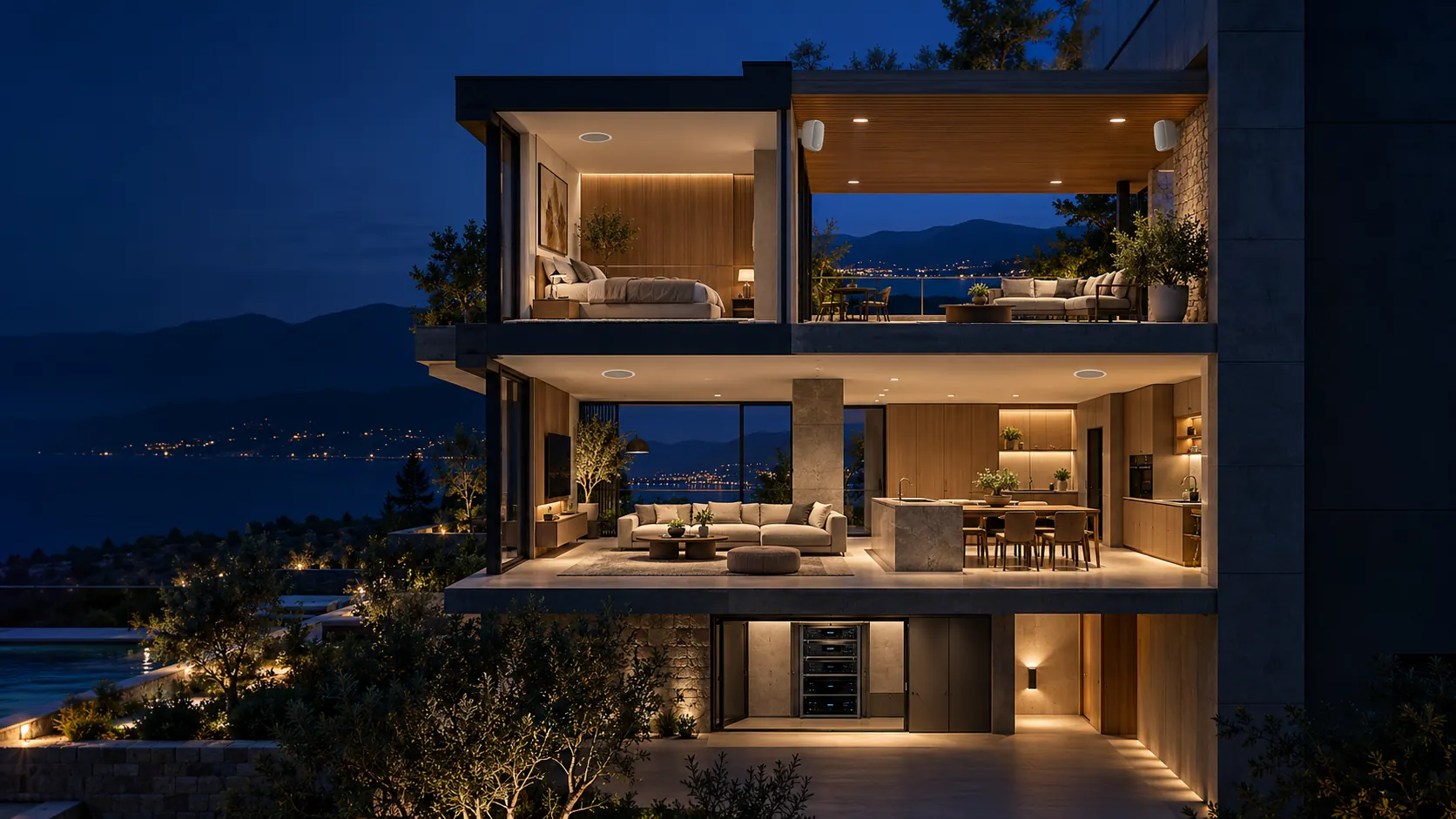
01ONE ZONE, ONE USE
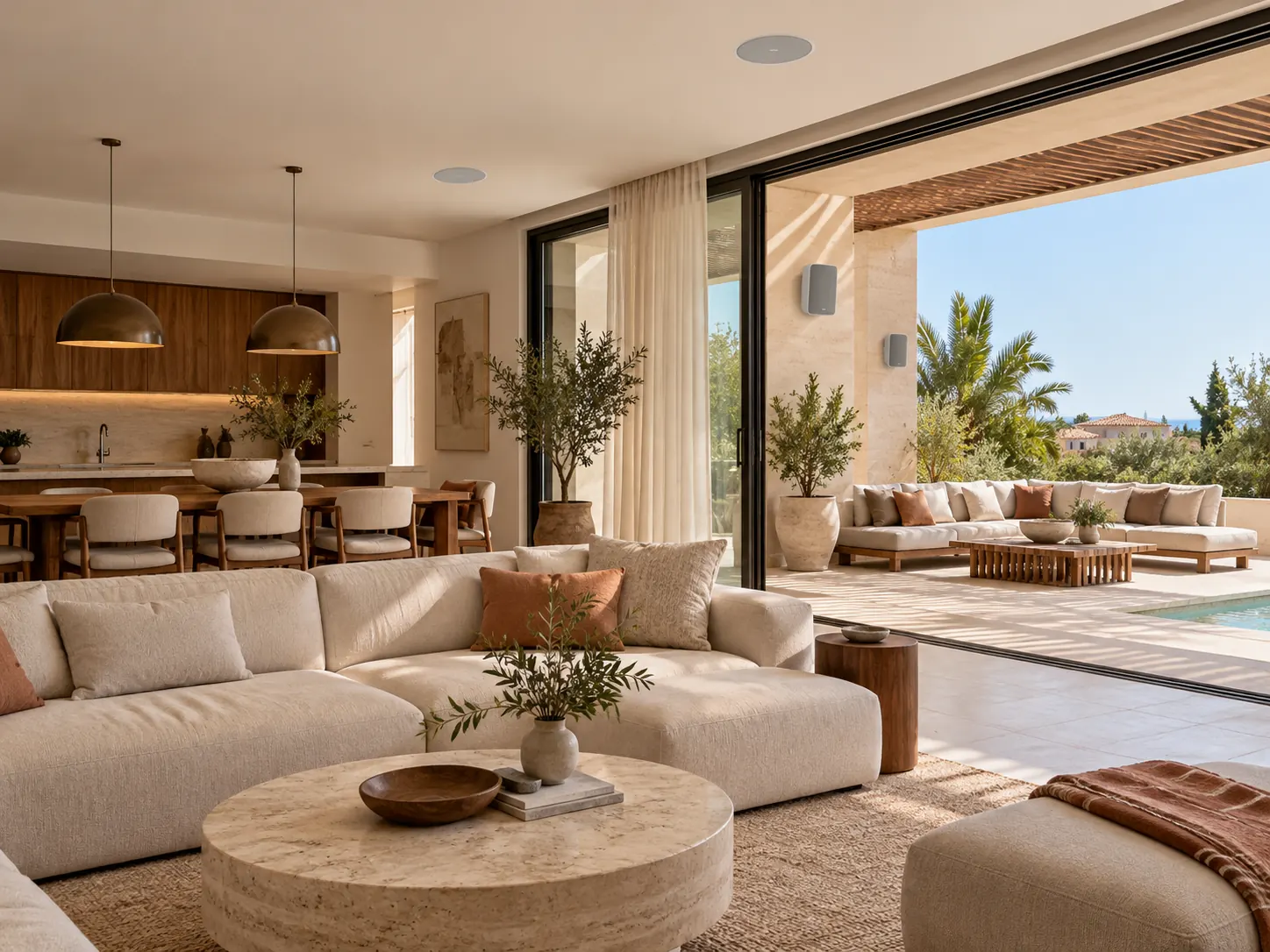
Choose a source and a volume per zone, then group the rooms for shared listening. The number of independent streams depends on the players and sources available.
Use case The living room and kitchen play a shared ambiance for the meal; the bedroom stays independent and the terrace can be switched off.
Discuss this need ↗︎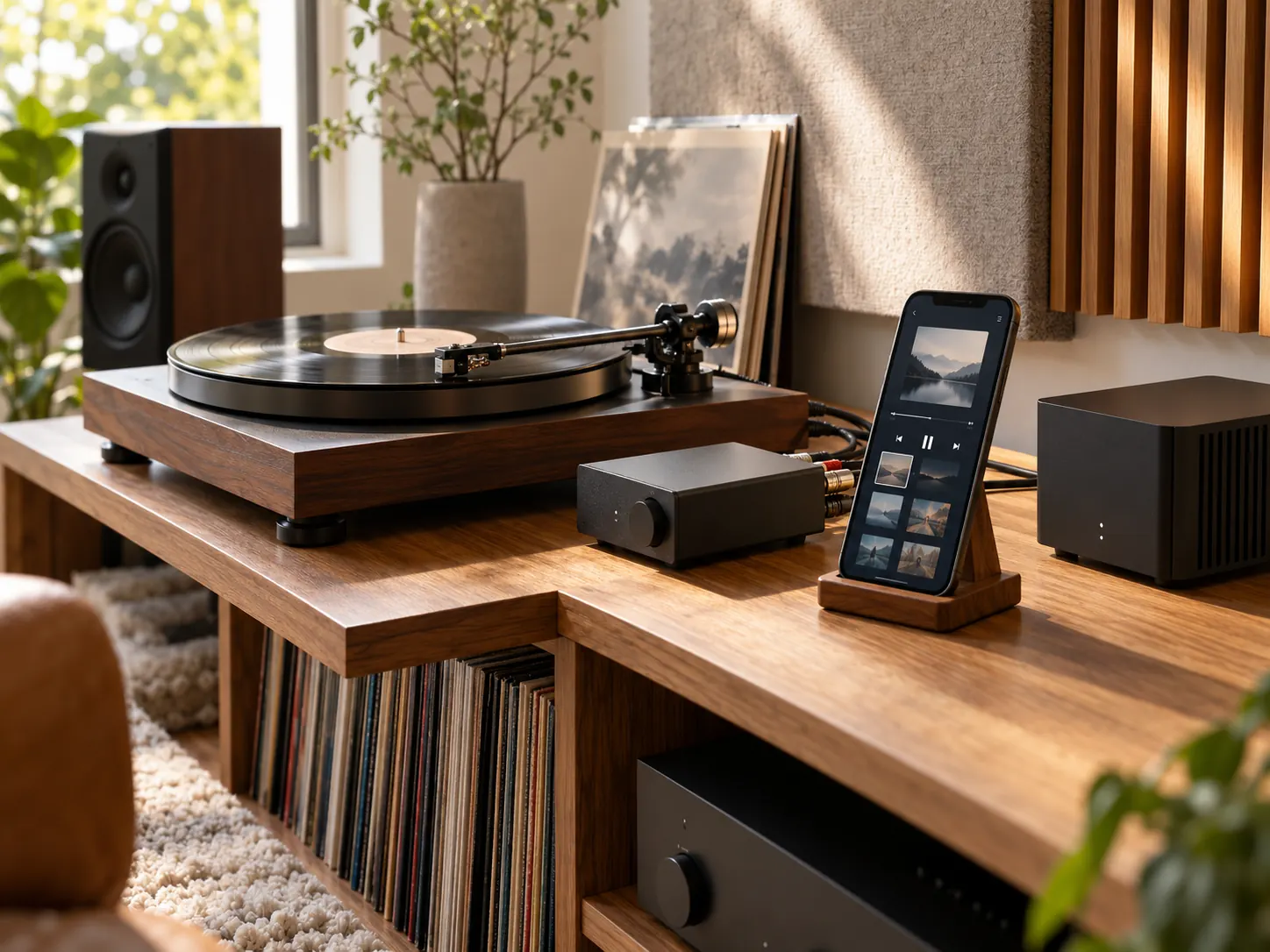
02YOUR CONTENT, IN THE RIGHT PLACE
Bring online content and local sources together in one coherent installation, without imposing the same listening on everyone.
To plan for A music service may limit simultaneous streams per account. Subscriptions, geographic availability and service conditions remain to be checked.
Review my audio sources ↗︎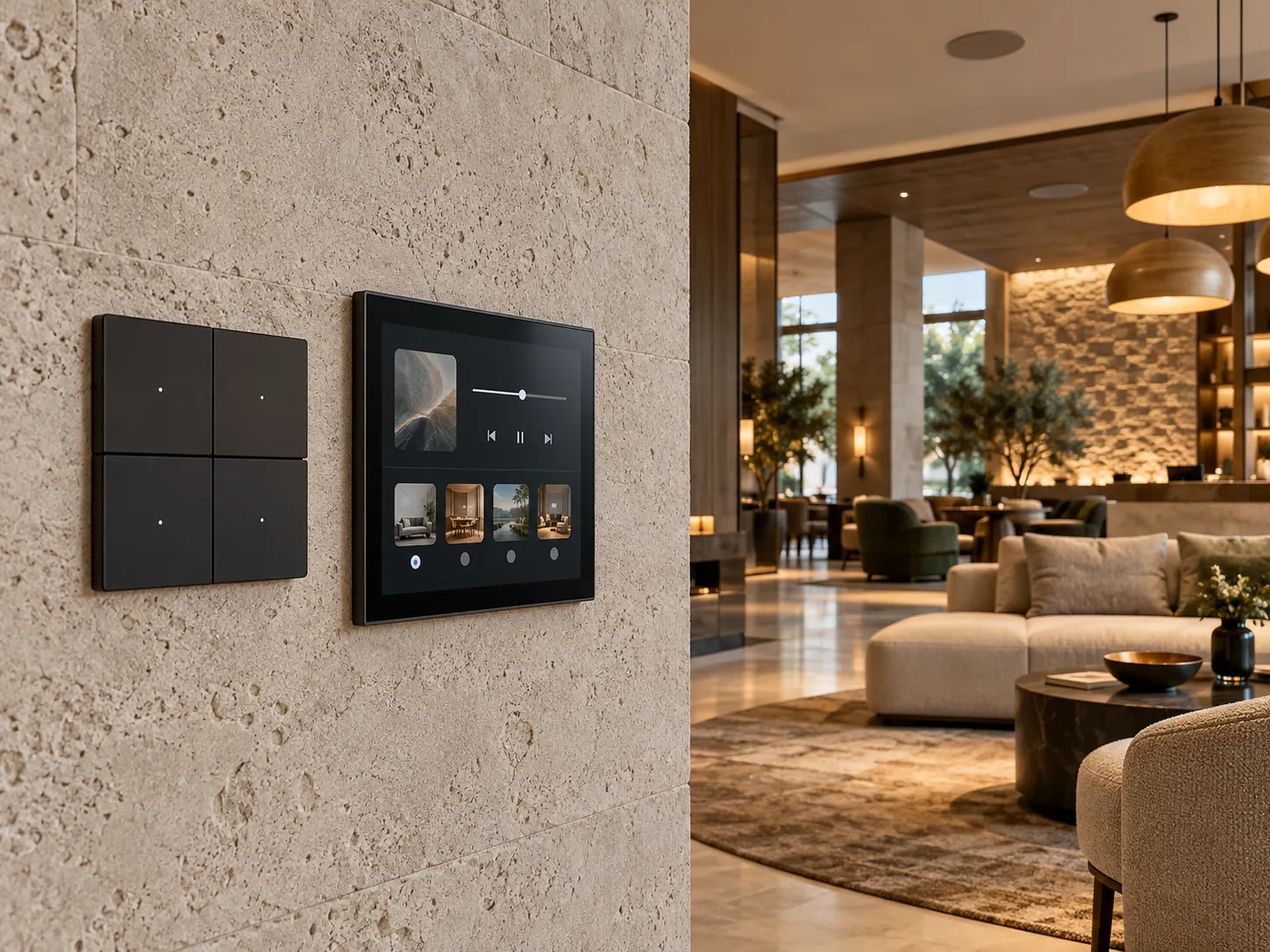
03ONE ACTION IS ENOUGH
The audio system communicates over KNX/IP: a compatible KNX/IP interface or router is needed to connect it to the building’s bus.
Use case The “Leaving” button stops audio in the planned zones. The “Welcome” button recalls a favorite radio station at a set level.
Combine audio with KNX home automation ↗︎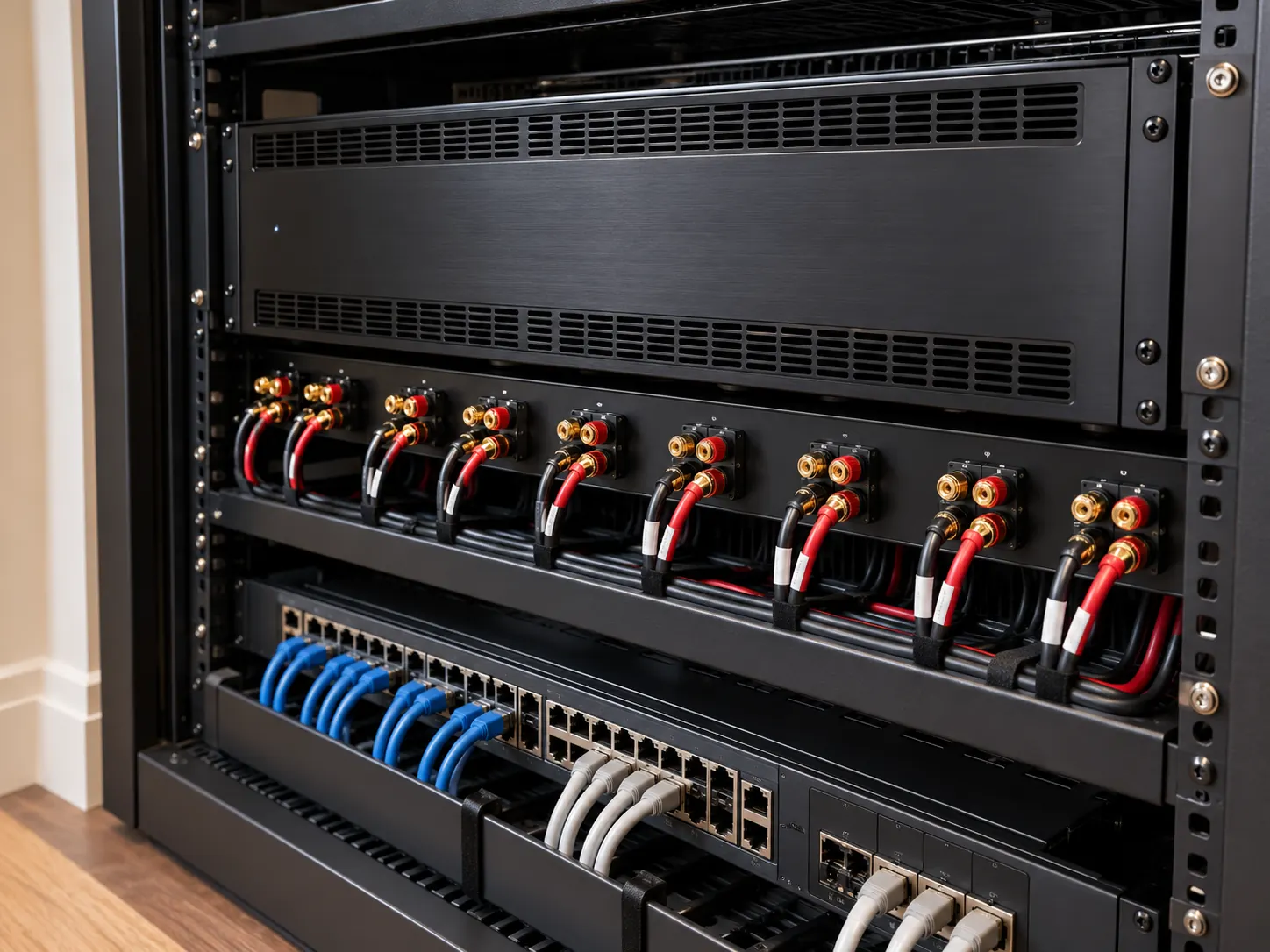
04AN INSTALLATION THAT NEEDS PREPARATION
Choose the architecture according to the number of zones, simultaneous sources, cable lengths and the sound level required.
Points to check Speaker impedance, power and wiring; suitable protection for equipment on terraces or in damp rooms; behavior and latency of TV sources.
Prepare my audio installation ↗︎MORE THAN SIMPLE PLAYBACK
Store useful shortcuts and chain defined actions: select the zones, recall a source and set the starting volume.
Schedule playback, stop or volume restrictions according to the configured time slots, especially for bedrooms and outdoor areas.
Play a message or a chime in the chosen zones, with temporary priority according to the configuration. Sources and triggers need to be planned.
Plan a shared ambiance with exceptions per space. A professional background music service can be associated with it; offer, coverage and usage rights need to be checked.
Combine several compatible devices. Some models link together to share their sources; compatibility and wiring are checked during the study.
Define control and configuration access, back up the configuration and organize updates. Do not expose the configuration interface directly to the Internet.
Operational audio announcements do not replace a regulatory voice alarm or evacuation system. The illustrations show generic installations, not identified products.
COMPATIBILITY: SPECIFY THE SIGNAL PATH
Compatibility may concern audio playback, control or access to a service: these are not the same function.
| Ecosystem / source | Possible use | Condition or limit |
|---|---|---|
| Apple · AirPlay / AirPlay 2 | Send audio from an iPhone, iPad or Mac; AirPlay 2 also allows grouping with AirPlay 2 receivers. | AirPlay 2 is announced on certain models after an update; older devices do not offer it. To be checked on the reference selected. |
| Spotify Connect | Selection of the zone or group from Spotify. | Account, service conditions and number of simultaneous streams. A group slave zone is not an independent input. |
| Deezer · TIDAL · Qobuz | Access to content and favorites via the documented integrations. | Availability depends on country, subscription, software and authentication. No guarantee of access to all services in Tunisia. |
| NAS · local network | Playback of a file library and compatible local sources. | Formats, share access and network to be configured. The Internet is still needed for online services, not for all local sources. |
| KNX / IP | Buttons, scenes, favorites, groups, events and announcements. | KNX/IP interface or router, suitable group addressing and network. The KNX bus carries the command, not the signal to the speakers. |
| Third-party control systems and screens | Control via the manufacturer’s drivers or integrations; web interface that can be embedded on some screens. | Validate the driver version, the equipment and the functions exposed. This is not universal compatibility with every screen. |
| HTTP / API · Node-RED | Specific automations and integrations. | Development, security and testing to be planned; compatibility with other connected ecosystems is validated case by case. |
| TV · Bluetooth · vinyl | External audio input via the available interfaces. | Bluetooth and HDMI ARC are not built into every player: a suitable receiver, converter or preamplifier if necessary. Stereo playback, not a multichannel home-cinema decoder. |
A CONCRETE EXAMPLE
A centralized multiroom system feeds four spaces: each plays its own source at its own volume, or joins a group to play the same music everywhere.
Volume caps and schedules are set zone by zone: a limit can apply once or stay locked for the whole time slot. Zones, power and sources are sized according to the project.
Review my audio installation ↗︎DESIGN ACCORDING TO USE
A successful audio installation is judged day to day: easy to control, simple to troubleshoot, ready to grow. Four principles guide our proposals.
Keep wall buttons for quick actions and a single screen that brings audio and home automation together for the rest.
In practiceKNX buttonsAudio + home automation screenApp
Example: on the same wall screen, you choose the living room music, lower the blinds and set the light.
Label the speakers and zones, document the sources and keep the configuration to make interventions easier.
In practiceZone planList of sourcesBackup
Example: a zone that no longer responds is identified on the plan and restored from the backup.
Anticipate future rooms, power needs and cable routes rather than multiplying isolated devices.
In practiceSpare conduitsSpare amplificationExpandable zones
Example: the terrace, wired from the start, is added later without any building work.
Adapt the speakers and settings to each space rather than the same sound everywhere.
In practiceSetting per zoneMaximum volumeSuitable speakers
Example: the bathroom gets moisture-resistant speakers, a capped volume and a setting suited to the room.
FROM THE PLAN TO THE FIRST LISTENING SESSIONS
Rooms, uses, sources, groups, schedules and desired controls.
Speakers, amplification, network, cables and layout sized for each room.
Multiroom players and amplifiers, speakers and KNX/IP interface.
Zones, favorites, volumes, scenes, restrictions and access.
Listening per zone, groupings, general stop and KNX controls checked on site.
Handover, configuration file, updates and adjustments.
Frequently asked questions
Is your question not listed here? Our team will answer and guide you to the right solution.
commercial@3i-ds.comDepending on the project, 3I-DS can install the equipment and take charge of the wiring, or rely on the site’s installer, according to the layout defined during the study. In all cases, 3I-DS designs the solution, supplies the system, configures it and tunes each zone by ear.
Yes, within the limit of the players, sources and accounts available. A grouped zone follows its group’s source; it becomes independent again once ungrouped.
The local network is still needed. NAS content and local inputs can continue depending on the equipment; web radio and online services no longer work without their connection.
After checking impedance, power, connections and needs. An external amplifier requires a line output and a behavior compatible with the zone.
Not in an architecture with wired passive speakers. Wi-Fi can be used for the control phone; players and amplifiers have their own connections and the speakers their audio outputs.
No. It depends on the model and its software version; some older devices do not offer it. Compatibility is checked on the reference selected for the project.
Yes, with the announcement functions and triggers planned. The zones, level, priority and resume behavior must be defined, then the selected sources tested.
As many as the selected system allows: from a few rooms in a villa to several dozen spaces in a hotel, with groups adjustable according to use.
Internet radio, streaming services, AirPlay, local inputs or building sources, depending on the models and subscriptions available.
FROM NEEDS TO SOLUTIONS
Find the operating needs that the Multiroom audio solution can address, depending on the project scope.
Classrooms, lecture halls and campuses: schedules, presence and user comfort.
Rooms, common areas and technical services controlled according to occupancy.
Villas and residences: comfort, scenes and everyday technical safety.
Functions are defined during the study: equipment, interfaces, control rights and local priorities must be checked. These links do not imply universal compatibility.
THE RIGHT AMBIANCE, IN THE RIGHT SPACES