The curve exceeds the level usually observed outside production. The operator checks the period, data freshness and permanent uses before recording a deviation.
Baseload at shutdown42 kWUsual30 kW
PRODUCTION · INDUSTRY
Metering, utilities and alarms: make the installations easy to read and gradually integrate compatible equipment, depending on the operating scope.
Explore the needs ↓
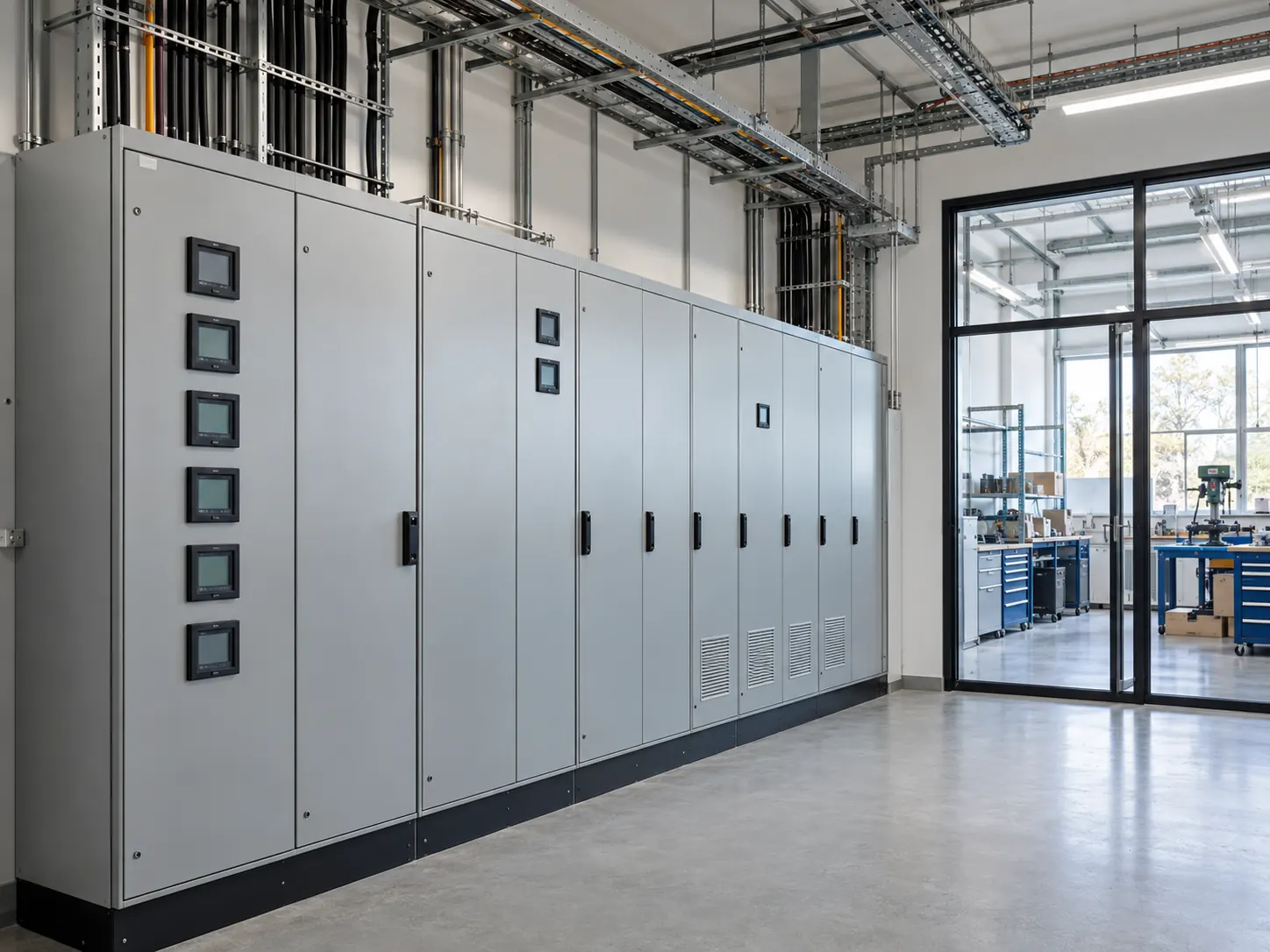
01IDENTIFY THE USES
Draw up a metering plan to distinguish workshop, utilities, logistics and associated buildings, without counting the same flows twice.
Operating example Consumption persists during a workshop shutdown: the operator checks the sub-meters and the permanent uses before deciding on an action.
A kWh-per-part ratio is relevant only if the outputs compared and the metering boundaries are comparable too. An increase does not, by itself, identify a breakdown or an inefficiency.
Explore topic 02 · Measure ↗︎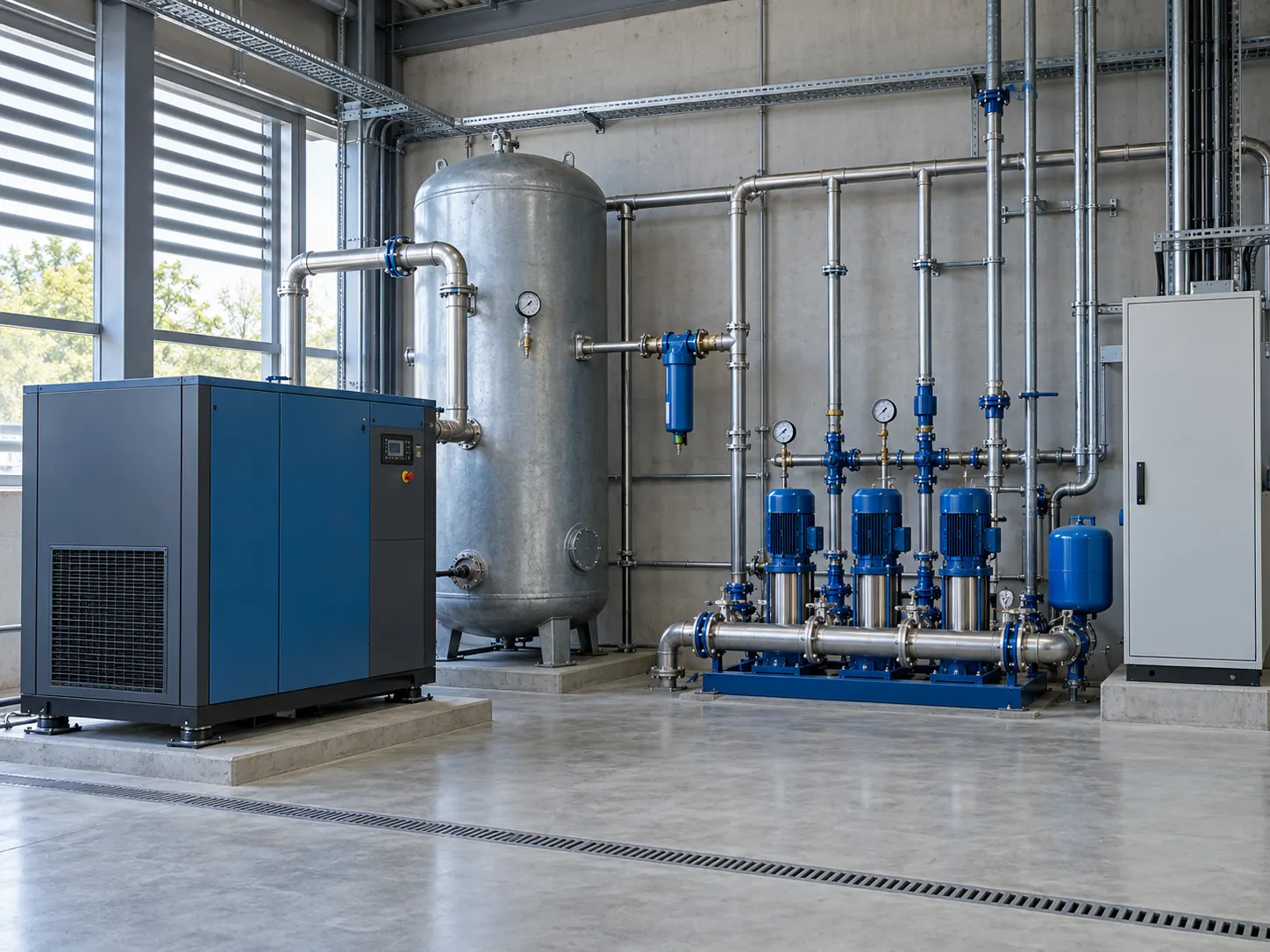
02MONITOR THE TECHNICAL INSTALLATIONS
Bring together the accessible statuses of utilities and buildings: pumping, reservoirs, compressed air, ventilation and compatible electrical equipment.
Operating example An unusual pressure is reported with the available curve and the compressor status. The team checks the installation; the supervision system does not automatically conclude there is a leak.
Water shut-offs and pump commands are limited to the authorized networks and functions. Cooling, processes, fire protection and other permanent needs are not treated as freely interruptible uses.
A DEVIATION, A CHECK, AN ACTION
Illustrative example: utility electricity consumption persists during a workshop shutdown. This is neither a client reference nor a diagnosis from the simulation.
The curve exceeds the level usually observed outside production. The operator checks the period, data freshness and permanent uses before recording a deviation.
The team examines the statuses of the auxiliaries and the residual needs. A targeted search is decided if necessary; monitoring alone cannot locate a leak or a breakdown.
The authorized manager validates a correction or a maintenance intervention. Date, equipment, finding and action are recorded, in compliance with local instructions and protections.
After correction, compare periods of relevant duration and activity. Document weather, production, changes of use and missing data before drawing conclusions about the effects.
An observed decrease does not, by itself, constitute savings attributable to the intervention. No quantified gain is assumed.
A CLOSER LOOK AT INDUSTRIAL USES
Choose a topic to see the measurements and conditions to plan for. These functions are defined according to the equipment and are not all shown in the demo simulation.
Relate compressor energy, pressure and flow if metered; distinguish loaded and unloaded running where these statuses are accessible. Examine consumption outside production and unusual cycles.
A residual flow or a pressure drop may justify a search in the field, but does not automatically locate a leak. Permanent needs and compressor regulation must be taken into account.
Relate a workshop’s energy to the quantities produced over the same period, with the same measurement boundary. Define conforming parts, rejects, changeovers and comparable products before calculating a ratio.
Fictitious example: 240 kWh for 120 conforming parts over a common scope gives 2 kWh/part. Without a reliable quantity, or with zero production, display an unavailable indicator, not an artificial value.
Track running hours, number of starts and faults where the equipment exposes this data. Identify the source, resets and any estimates.
Due dates can be defined according to the manufacturer’s recommendations and the site’s maintenance plan, with a responsible person and an intervention record. An hour meter is not a predictive diagnosis; a connection to the CMMS is checked separately.
Examine power curves and start-up periods at a suitable acquisition interval. Distinguish instantaneous power from average demand over the interval used for the analysis or the contract.
Study a time shift only for the authorized auxiliaries and loads, with the process managers. No general limitation or machine shutdown is assumed; quality, continuity and protections keep priority.
Bring together reports and events by site, then access the equipment concerned. Harmonize units, periods, timestamps and scopes before comparing.
Take products, activity volumes and operating conditions into account. Identify stale or missing data, the rights of each role and the functions maintained locally if the link is lost.
Plan meters and sensors suited to the fluid: volume or mass, flow, temperatures, pressure and energy where available. Document the units and reference conditions of normalized volumes.
A volume of gas or steam does not become energy through a universal conversion. Heat or cooling calculations require the appropriate measurements and properties; display their method and their limits.
Link the indicators to topic 02 · Measure ↗︎ · Supervision and maintenance tracking ↗︎ · Study the flexible uses ↗︎
05 / INTEGRATE IN STAGES
Read-only collection can be a first stage. A common protocol is not enough to guarantee the necessary data or commands.
References, versions, protocols, exposed points and access rights. Consider Modbus, BACnet, OPC UA or manufacturer interfaces only according to the documented capabilities and the architecture selected.
Link each point to a unit, a source, a timestamp and a quality. Separate viewing, acknowledgment and writing. Do not modify process automation without a dedicated study.
Validate network segmentation, remote access and roles with the IT/OT managers. Test loss of link and recovery. Controllers and safety protections keep their own functions.
The BMS covers the technical scope selected; it does not replace process automation, safety systems, the MES or production management. The simulation shows an unavailable value, never an invented zero.
SHARE REPORTS YOU CAN USE
Define the content and export arrangements with the users, according to the possibilities of the system selected.
Site, workshop, utility, metering point and period. Distinguish meter readings from calculated consumption, units, time zone and granularity; specify the aggregation rules without double counting.
Show missing, stale or estimated data, availability of readings and meter changes. Present ratios per unit of production only if their basis is reliable.
CSV or PDF formats if available, on-demand or scheduled export, recipients and rights. Retention, transfer to a third-party tool and any licenses need to be checked; no automatic sending is assumed.
An energy report is neither a bill nor proof of compliance. Any costs remain estimates that depend on the data and tariffs configured.
PRODUCTION · CONSUMPTION · SMART MANAGEMENT
Set industrial needs against any local production, grid exchanges and storage if present. Unnecessary consumption can persist without analysis or suitable actions.
PRODUCE & MEASURE
Relate the metering of workshops and utilities to any photovoltaic production over consistent periods.
USE BETTER
Study the lighting of unoccupied zones, auxiliary schedules and loads that are truly deferrable. Continuity, product quality and process constraints keep priority.
SUPERVISE
Review reports, drifts and authorized commands. Compare relevant activity conditions before attributing a variation to the settings.
Production and storage only according to the site’s equipment. No quantified gain, savings or availability is guaranteed by supervision alone.
A PILOT ZONE BEFORE ROLL-OUT
Uses, production constraints, priority installations and responsibilities.
Measurement points, interfaces, units and data quality rules.
Meters, power meters, controllers and gateways.
Collection, alarms, dashboards, reports and access rights.
Reading, alarms, loss of communication and recovery tested on one workshop.
Results validated with the operator, then extension to the other workshops or sites.
BEFORE THE FIRST MEETING
Existing documents are enough to start the scoping; missing information is identified during the study. Do not send passwords or access secrets through the contact form.
Prepare the study of my industrial site ↗︎Frequently asked questions
Is your question not listed here? Our team will answer and guide you to the right solution.
commercial@3i-ds.com3I-DS designs the solution, supplies the control equipment, programs it, commissions it and provides follow-up. Depending on the project, we can also install this equipment — screens, sensors, gateways — and take charge of the wiring; otherwise, the site’s installers (electrician, refrigeration technician, plumber) carry it out from our drawings, and we coordinate the tests with them.
Existing equipment is surveyed to check its interfaces. Depending on the project, data collection, additional sensors or a gateway may be needed.
This is not assumed. Any command requires a study of rights, status feedback, priorities and risks with the process managers; some points remain strictly read-only.
If the links and interfaces allow it, a central view can bring together the data from the sites. Scopes, rights, data freshness and the maintenance of local functions are defined site by site.
Yes, depending on the interfaces available: file export, database, or OPC UA or Modbus protocol to a CMMS, an ERP or a production supervision system.
The supervision system observes without controlling the production machines, unless explicitly agreed. Tests are carried out outside production or on a pilot zone.
FROM NEEDS TO SOLUTIONS
01 · SUPERVISE
Statuses, alarms, history and authorized commands.
02 · MEASURE
Consumption, any production and the site’s energy balance.
03 · ADAPT
Schedules and deferrable loads outside process constraints.
04 · PREVENT
Volumes, flows and shut-offs only on the authorized networks.
Functions depend on the sensors, interfaces and rights validated; no universal compatibility is assumed.
YOUR WORKSHOPS, YOUR PRIORITIES