Arrive and leave simply.
Welcome and leaving scenes, access lighting and night pathway. Detection and time delays where they bring a clear benefit.
“Leaving” sceneLighting off, refrigeration maintained
RESIDENTIAL · RESIDENCES & VILLAS
Simple controls for light, blinds and comfort. A clear view of water, energy and the information that matters for your home.
Explore the needs ↓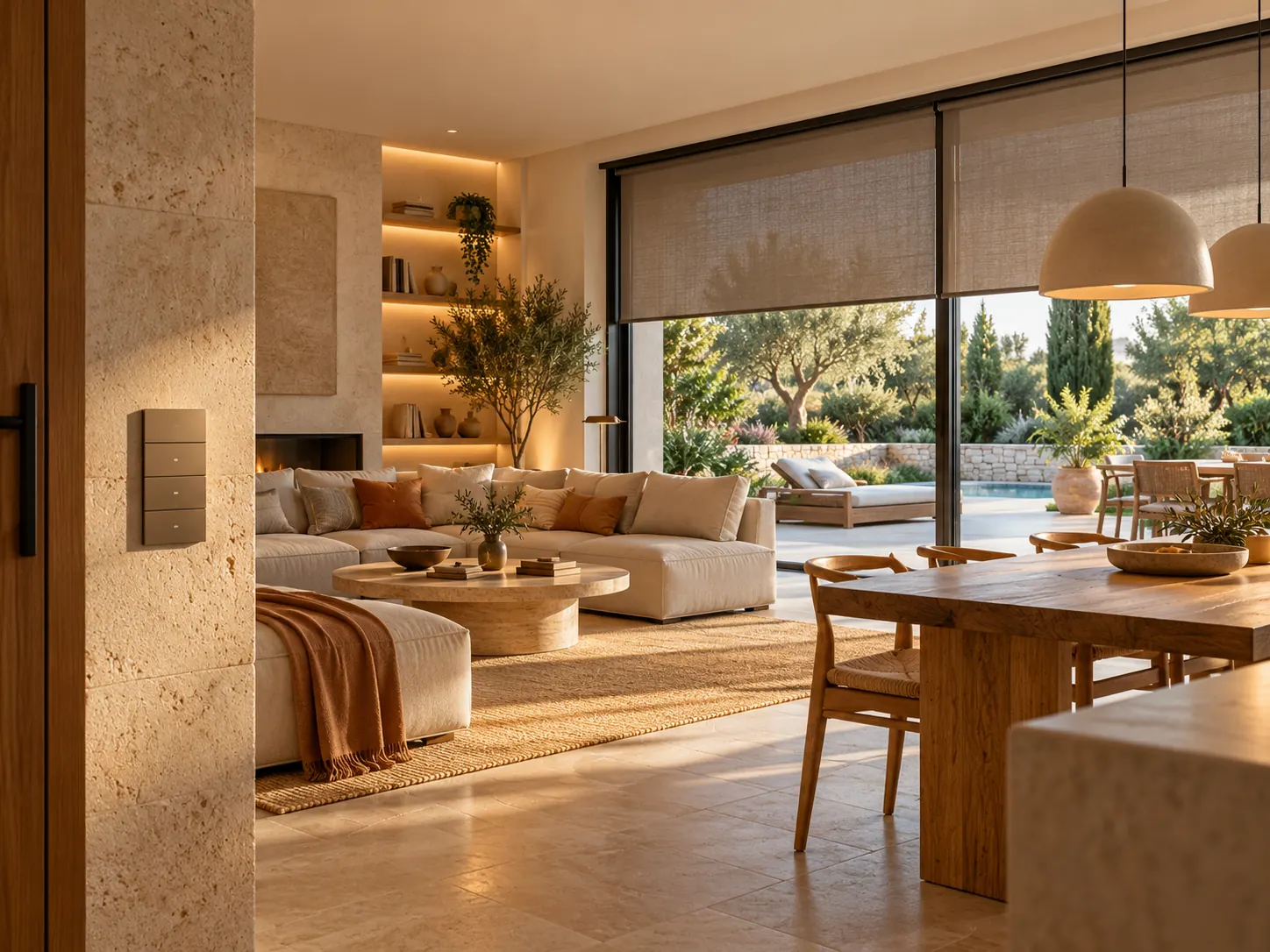
01SIMPLE EVERYDAY ACTIONS
Define the scenes with the occupants, then keep clear local controls in each room.
Use case An “Evening” scene recalls a soft light in the living room and closes the chosen blinds; the bedroom keeps the setting planned for rest.
Explore KNX home automation ↗︎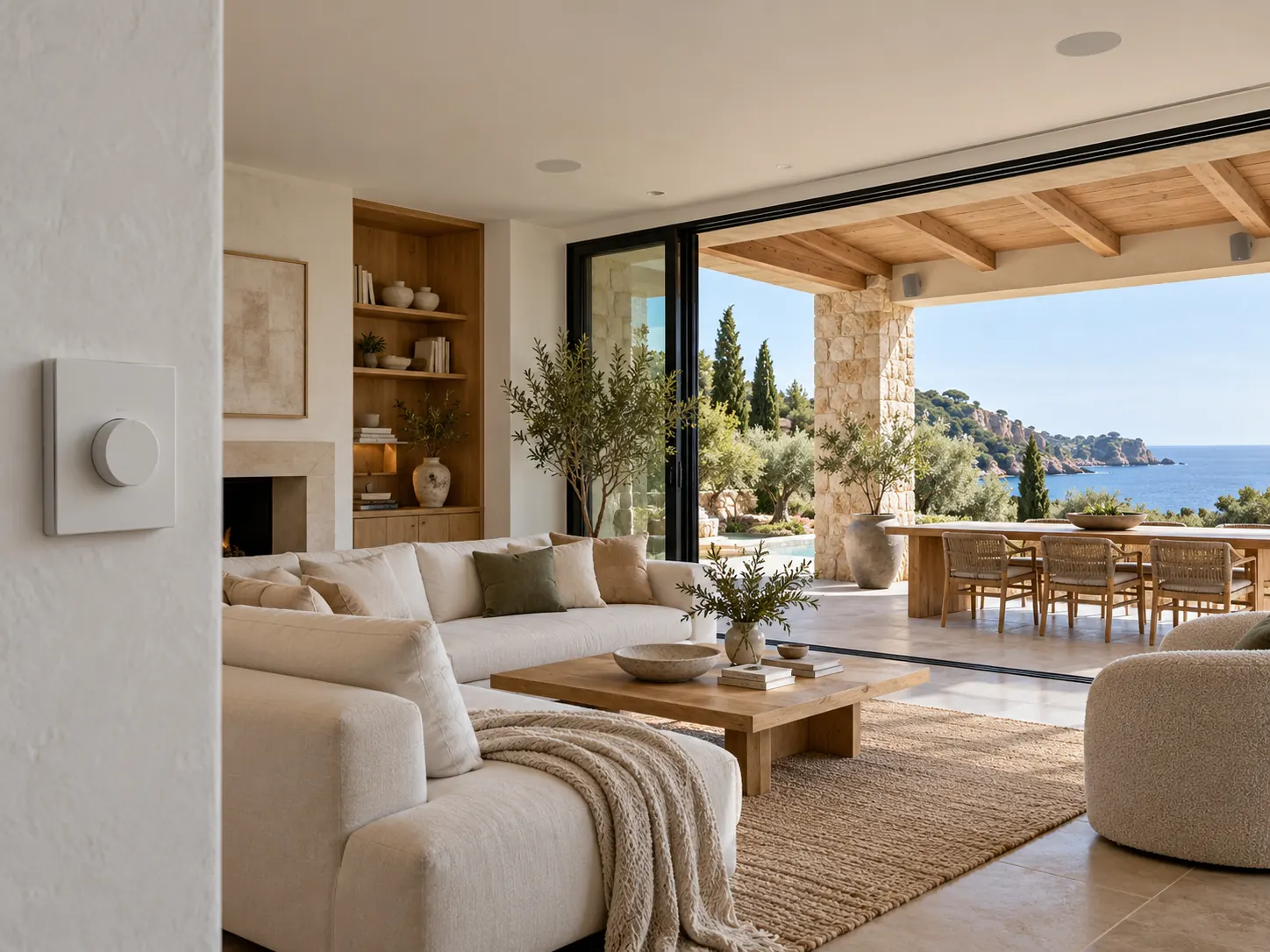
02MULTIROOM AUDIO
Choose different music in each room or group several zones for the same ambiance, from the controls planned for the home.
Use case A “Party” scene plays the same ambiance in the living room and on the terrace; the bedrooms stay independent.
A multiroom audio system can be studied. The number of zones, simultaneous sources and accessible controls are checked on the references and versions selected.
Explore multiroom audio ↗︎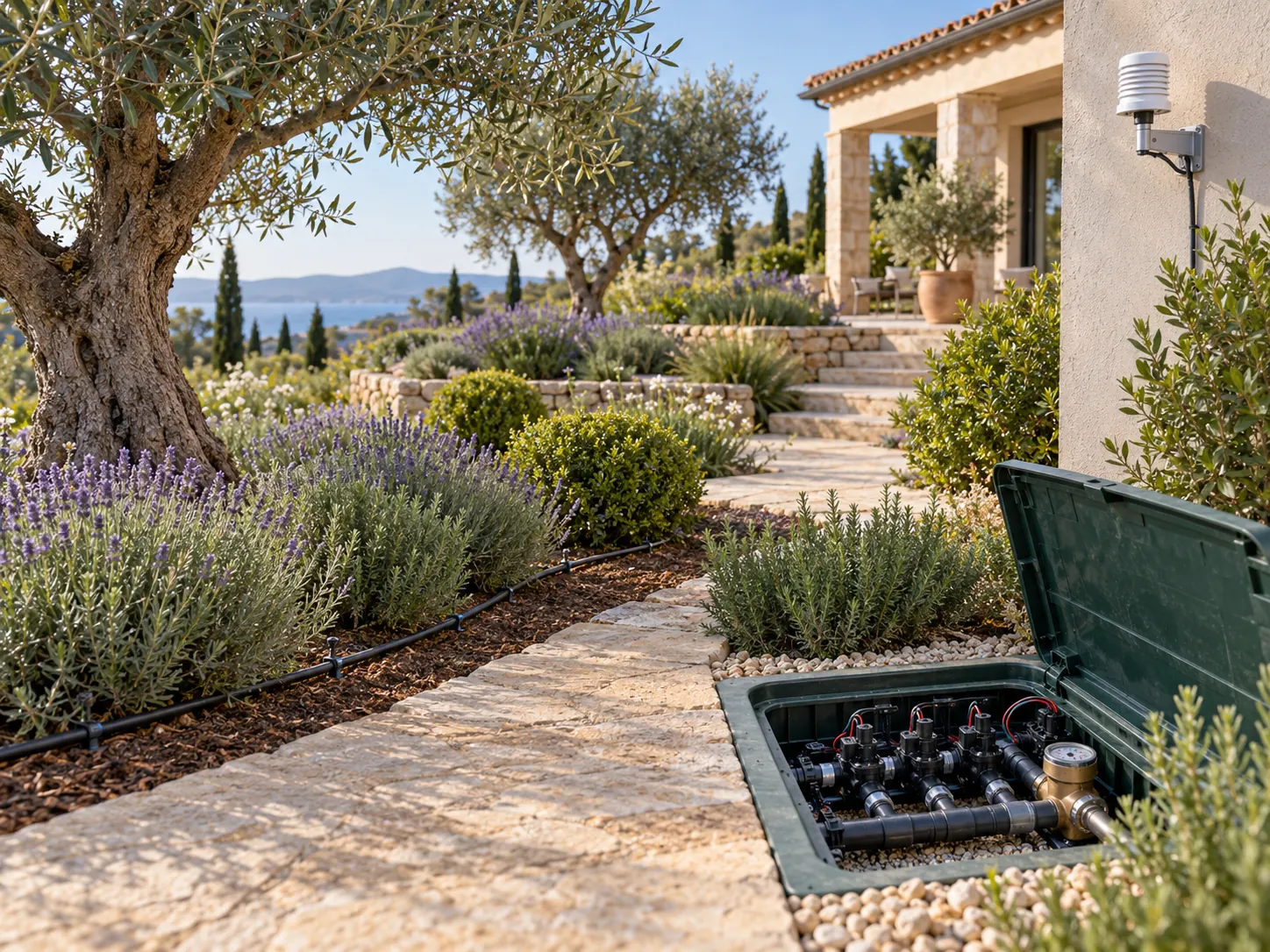
03AUTOMATIC IRRIGATION
Organize the cycles for flower beds, lawns and drip zones with schedules, durations and priorities specific to each sector.
Use case A sensor reports rain: the cycle concerned is suspended. An abnormal flow during irrigation creates an event identified by sector, according to the validated rules.
The irrigation network, the priorities with the main shut-off and operation during absence are defined during the study. The occupants being away does not automatically mean all garden cycles stop.
Explore water monitoring ↗︎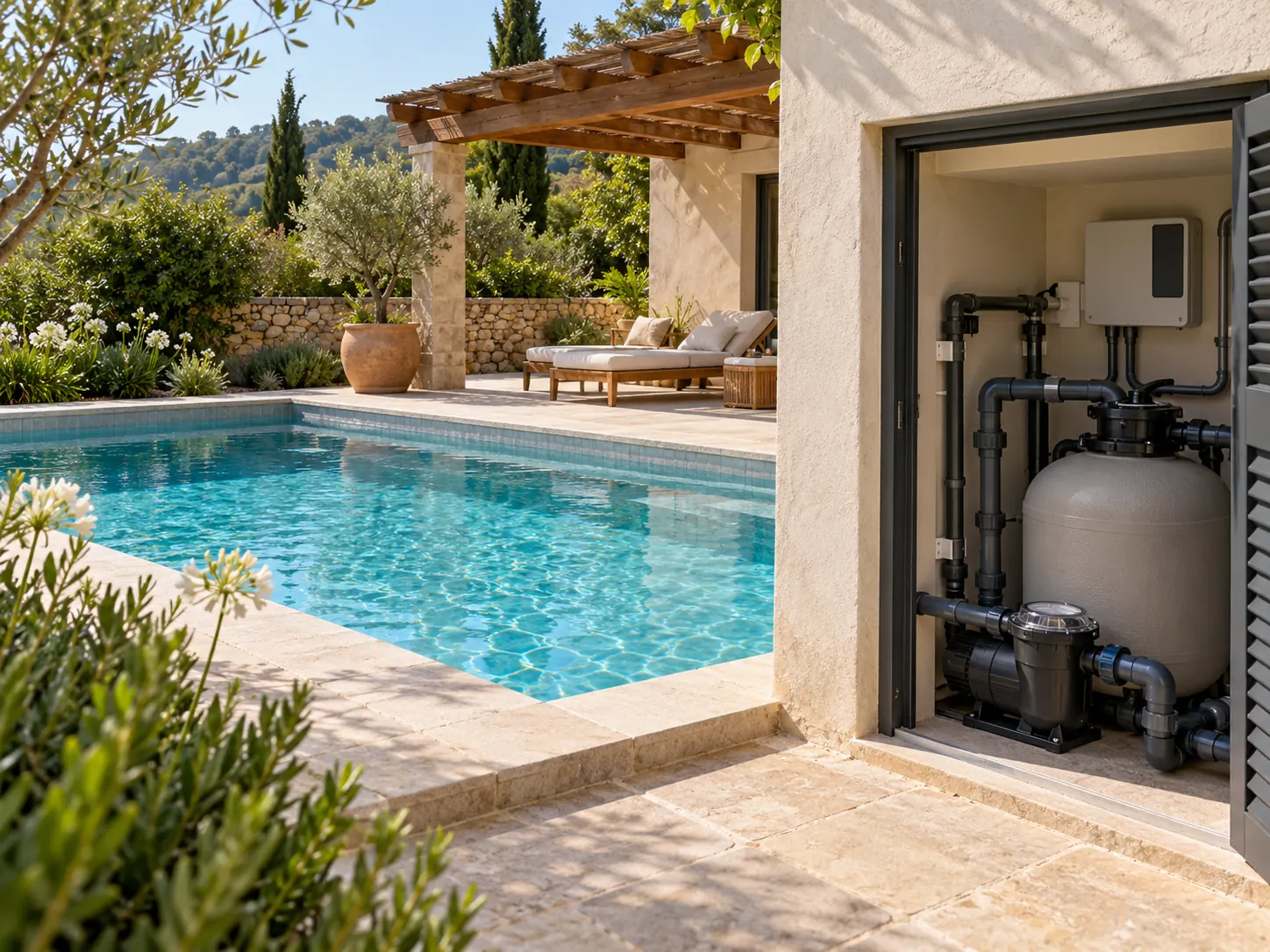
04POOL MANAGEMENT
Bring the accessible statuses and commands of the pool system together in one coherent view, while keeping the equipment’s own regulation and protections.
Use case Filtration follows its program while the “Evening” scene recalls the pool lighting. A pump or level fault is reported separately with its location.
Water treatment and its measurements, such as pH or redox potential, require a dedicated and maintained pool system. Integration covers only the authorized information and commands; filtration and treatment safety functions keep their priority.
Discuss the management of my pool ↗︎
05UNDERSTAND AND PREVENT
Bring together the useful measurements and events, from the equipment that is actually metered.
Use case A sensor detects water in the laundry room: detection, alert and closure of the planned sector follow one another. Return to service follows a check of the point concerned.
Explore water and technical alarms ↗︎START FROM THE HABITS AND THE ROOMS
A general scene applies to the agreed zones. A local setting then lets you adjust one room; priorities, time delays and feedback are defined with the occupants.
Welcome and leaving scenes, access lighting and night pathway. Detection and time delays where they bring a clear benefit.
Independent ambiance, task lighting, blinds and comfort. An “Evening” scene can recall several levels and compatible audio zones.
Controls at the door and at the bedside, privacy, bedroom setpoint and wake-up as desired. A scene does not automatically open all the bedrooms.
Labeled leak sensors, sector meters and technical alerts. Outdoor lighting, irrigation and motors according to the planned equipment and priorities.
FUNCTIONS THAT WORK TOGETHER
Lighting groups, on / off and dimming depending on the luminaires. Buttons along the way, bedside controls and a shared interface according to your habits. Define what “All off” should actually control.
Positions per room or façade, schedules and general scenes. Motors, limit switches and wind / rain priorities are checked on the equipment selected; a position command is not a confirmed feedback unless the information is available.
Setpoints and modes for heating, air conditioning and ventilation depending on the systems. Temperature, humidity and CO₂ at the equipped points; other pollutants with their dedicated sensors. CO₂ alone does not describe all of air quality.
Cumulative consumption, instantaneous power and sub-metering of lighting, outlets or HVAC depending on the architecture. Compare relevant periods and qualify the objectives. Photovoltaics, battery and vehicle charging are studied according to the equipment and interfaces available.
Distinguish volumes consumed, flows and temperatures. Monitor the metered sectors, set thresholds and time delays, locate the leak sensors. Overconsumption does not by itself confirm a leak; shut-offs are defined with the occupant.
Sources, favorites, volumes and groups depending on the system selected; compatible local controls and scenes.
Audio needs ↗︎Cycles, rain or moisture suspension, volume monitoring and flow alerts on the equipped zones.
Irrigation needs ↗︎Filtration, temperature, lighting, levels and consumption according to the measurements and interfaces available.
Pool needs ↗︎INDIVIDUAL VILLA OR RESIDENTIAL BUILDING
A villa brings its functions together in one residential interface. In a residential building, the homes and the common areas remain separate scopes, with their own rights and a suitable metering architecture.
Plan the useful local buttons and automation. Some KNX functions can work without the Internet; apps and remote access depend on the products and architecture selected.
Command sent, position confirmed, measurement and unavailable data are distinct statuses. Interfaces must flag a lost link and the time of the last information.
Define the occupant, manager and contractor roles. A view of the common areas does not automatically give access to the private settings or consumption of the homes.
Dedicated security and access control systems keep their own scope. The circuits to maintain — food refrigeration, network, ventilation and technical equipment depending on the home — are identified before any switch-off scene. No quantified savings are guaranteed without an analysis of the site.
PRODUCTION · CONSUMPTION · SMART MANAGEMENT
Comfortable living and energy: coordinate without multiplying unnecessary consumption.
Without suitable metering and control, unnecessary consumption or power peaks can persist, even with local production.
PRODUCE & MEASURE
Track consumption, photovoltaics and grid exchanges if equipped; distinguish private and common areas.
USE BETTER
Coordinate comfort, hot water, charging and compatible equipment with the occupants’ priorities and the dedicated programs.
SUPERVISE
The BMS brings together the accessible balances, flags drifts and coordinates the authorized commands. Local automation and dedicated protections keep their role.
Residences and villas example. An absence reduces the planned uses; pool filtration and irrigation keep their authorizations. Available solar power does not trigger unnecessary use.
Local production and storage only if present or planned. Functions depend on the sensors, metering and interfaces available; results to be checked over comparable periods, with no guaranteed savings.
NEW BUILD, RENOVATION AND UPGRADES
Plans, habits, priority rooms and equipment to keep.
Button functions, scenes, interfaces and useful spare capacity.
KNX modules, buttons, screens, audio, sensors and valves.
Scenes, irrigation, pool, alerts and app.
Each control tested room by room; behavior after a power cut checked.
Handover, documentation, backups and adjustments after a few weeks.
Frequently asked questions
Is your question not listed here? Our team will answer and guide you to the right solution.
commercial@3i-ds.com3I-DS designs the solution, supplies the control equipment, programs it, commissions it and provides follow-up. Depending on the project, we can also install this equipment — screens, sensors, gateways — and take charge of the wiring; otherwise, the site’s installers (electrician, refrigeration technician, plumber) carry it out from our drawings, and we coordinate the tests with them.
Functions can be studied in stages, depending on the wiring and equipment. Planning the useful spare capacity and compatibility makes future changes easier.
Compatible buttons and thermostats are part of the project. Their functions, adjustment ranges and priorities with the general scenes are validated with the occupants.
The demo shows illustrative totals for the home. An actual measurement per room or use requires a dedicated circuit or meter; an estimated allocation must be indicated as such.
The demo illustrates a water shut-off for the home. In a real project, the irrigation outlets, the pool top-up and the permanent needs are identified separately. Programs, exclusions and leak priorities are defined with the occupants and the installers concerned.
The strategy depends on the project. In this demo, the test closes the valve, then requires a reset and a separate reopening command.
Yes, if this need is included, through a secure app. Without the Internet, the planned local controls remain usable; remote access does not.
Yes, within the limit of the spare capacity planned. Wiring designed from the construction stage makes it possible to add functions later: shutters, irrigation, pool or energy monitoring.
FROM NEEDS TO SOLUTIONS
Combine living scenes, multiroom audio, comfort, pool and irrigation without confusing private spaces and shared equipment.
Scenes and local controls for compatible equipment.
Presence, dimming, scenes and solar shading, depending on the equipment.
Heating, ventilation, air conditioning and air measurements at the equipped points.
Zones, sources, groups and volumes, depending on the audio system selected.
Flows, volumes, alerts and authorized shut-offs; monitoring of water uses.
Consumption, photovoltaic production and exchanges according to the metering plan.
Supervision, alarms and coordination between systems; irrigation and pool depending on the interfaces.
Schedules, priorities, flexible loads and vehicle charging.
Functions are defined during the study: equipment, interfaces, control rights and local priorities must be checked. These links do not imply universal compatibility.
YOUR HOME, YOUR HABITS AND YOUR WISHES